Is there even a need for password storage software in 2026, when passkeys have already taken center stage? Trust me, there is. Personally, I’ve been locked out of certain sites and apps because I couldn’t remember the password and/or the email address I used to register on the platform.
Thanks to the built-in password managers in browsers nowadays, that’s not enough security. It helps a lot, but there are some passwords you wouldn’t want to save there. Besides, it only works when you’re logging in on the browser; if you’re logging in from a desktop client application, the browser password manager can’t help.
So, yeah, a password storage manager is a handy tool to keep around, especially when you typically do not use the same password across multiple apps; of course, that’s not even advisable. Here are some of the best, most reliable password storage software to use in 2026 and beyond.
The 8 Best Password Storage Software of 2026
| Software | Best For | Encryption | Free Plan | Pro Cost |
| LastPass | Teams and businesses | AES-256 | Yes (unlimited) | $3/month |
| Bitwarden | Open-source & budget users | AES-256 | Yes (unlimited) | $1.65/month |
| 1Password | Businesses and premium experience seekers | AES-256 | No (14-day trial) | $2.99/month |
| NordPass | Security-focused individuals | XChaCha20 | Yes (limited) | $1.49/month |
| Dashlane | All-in-one protection (plus VPN) | AES-256 | No | $3.68/month |
| RoboForm | Form-filling & budget users | AES-256 | Yes (limited) | $0.99/month |
| Keeper | Businesses and enterprise agencies | AES-256 | No | $2.92/month |
| Proton Pass | Privacy-first users | AES-256 + Argon2 | Yes (unlimited) | $3.99/month |
Here are the 8 best password storage software for PC and mobile devices. We picked these few because they support high-end encryption, AES-256, and cross-device support, so you can install them on your PC, mobile device, and tablets/iPads.
1. LastPass (Visit)
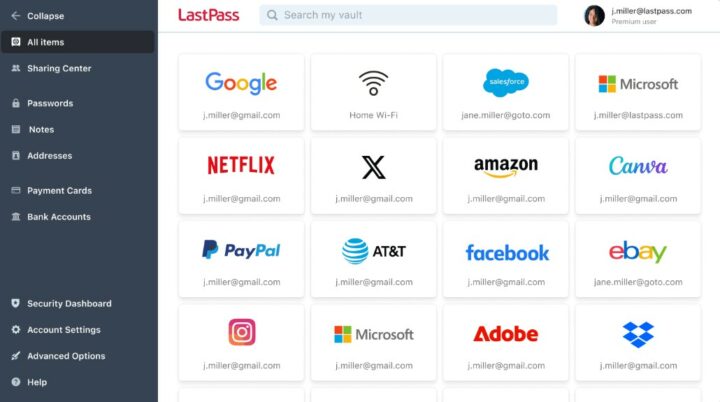
LastPass, being an industry-leader in top password storage software, uses the award-winning AES-256-bit encryption to secure the contents of user vaults, and PBKDF2-SHA256 to hash and secure your Master Password. All the encryption and decryption take place locally on your device, ensuring a “zero-knowledge” security model where LastPass never has access to your actual keys or passwords.
It’s been around for over a decade and has been featured several times on 3ptechies. You can hardly come up with a good list of the best password storage managers without mentioning LastPass.
1. Bitwarden (Visit)
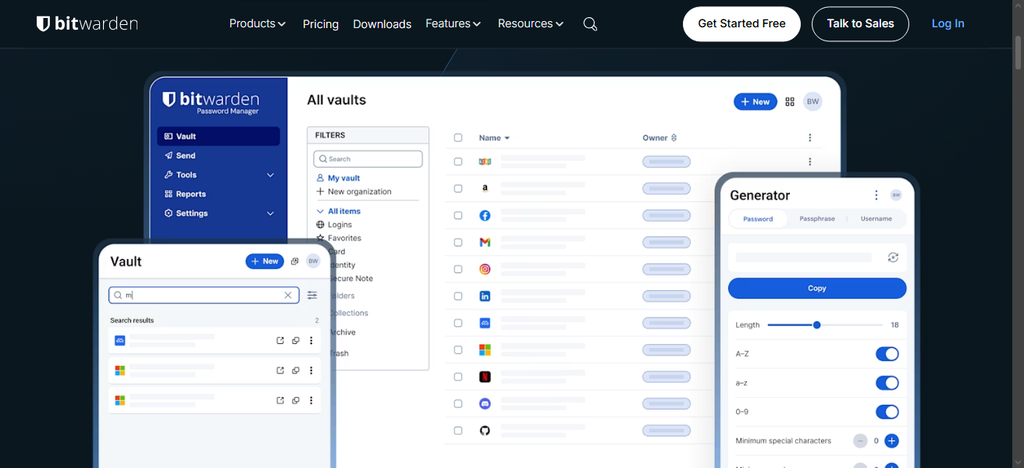
Bitwarden is a freemium open-source password storage software with a completely free plan and a couple of paid plans. On the free plan, you can save an unlimited number of passwords across your devices, with cloud sync and AES-256 encryption. For individual users, this free plan is just enough, except if you’re seeking additional features like an integrated authenticator and phishing blocker.
Yeah, Bitwarden offers a clean UI across every platform it runs, including the browser extensions. The premium plans, starting from $19.80/year, might be on the expensive side, but this password security software is one of the very few that supports self-hosting. You can take advantage of the $47.88/yr Families Plan to cover up to 6 users/accounts.
2. 1Password (Visit)
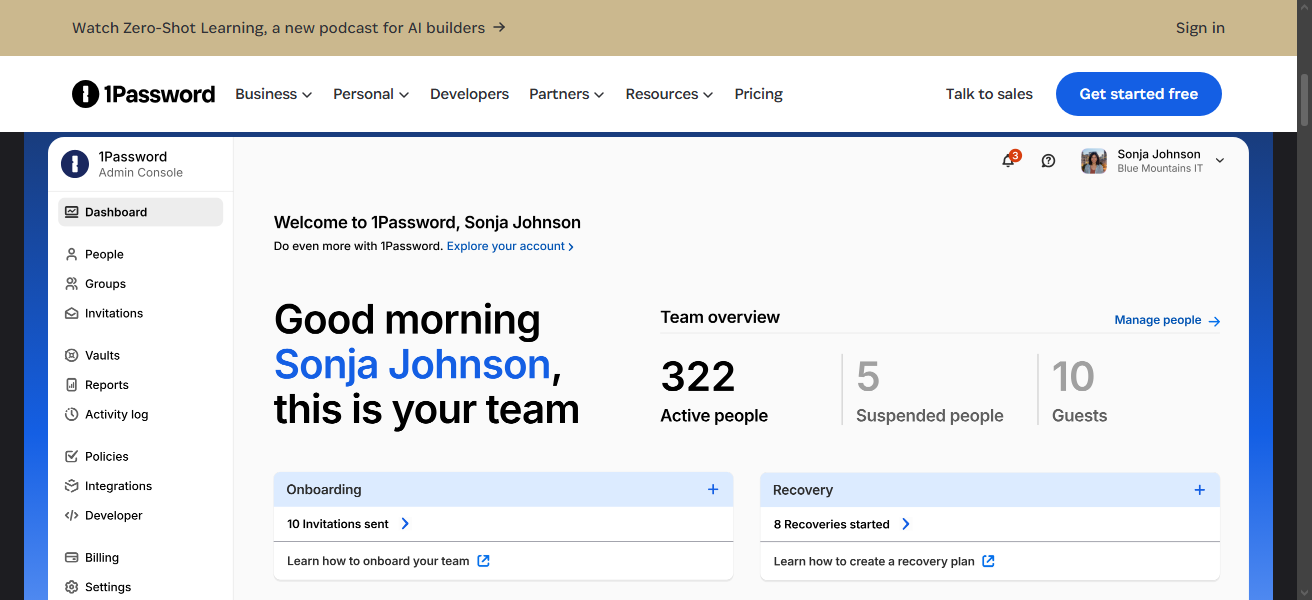
More like the people’s favorite option. 1Password is an ideal option when it comes to choosing a secure password management solution. It is one of the top feature-rich solutions, available across platforms, including Linux and browser extensions. Yeah, it uses AES-256 encryption combined with a dual-key security model, which generates a secure “Secret Key” alongside your master password required to decrypt your vault.
1Password lets you share your passwords securely with other people. One reason why Bitwarden stays ahead of 1Password in this post is that 1Password doesn’t have a free plan; you only get a 14-day trial, after which you’re required to pay for a plan or get kicked out. The “Watchtower” security dashboard is another impressive feature that makes 1Password a top choice for businesses.
3. NordPass (Visit)
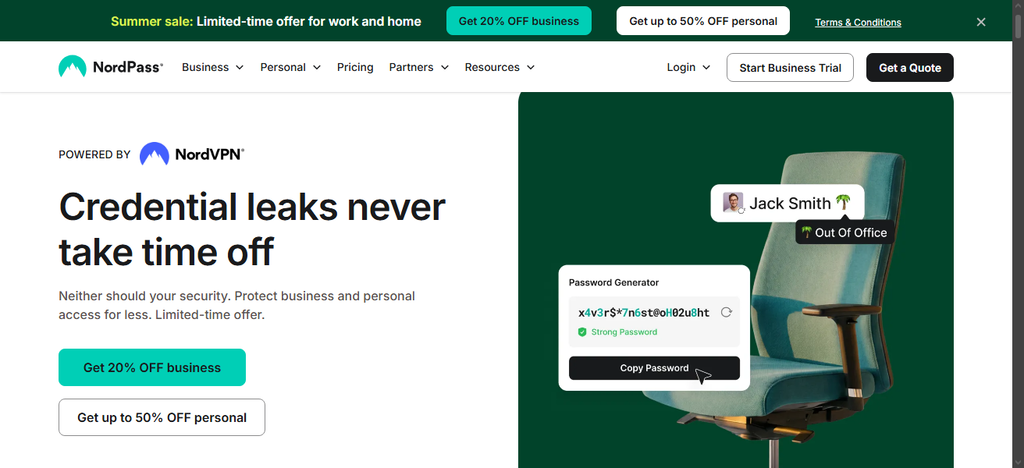
This one is best for budget-conscious users; it is a product of NordVPN devs, and it uses XChaCha20 encryption, a modern cipher considered better than the popular AES-256 standard. XChaCha20 delivers excellent security with better performance; faster on devices that lack dedicated AES hardware acceleration, such as lower-end Android phones and older computers.
NordPass utilizes a verified zero-knowledge model and offers biometric unlock support. The free plan allows vault access on one device at a time (again, Bitwarden is better off in this aspect), and requires you to purchase a Pro plan for simultaneous cross-platform, cross-device sync.
Some of NordPass’s most outstanding features include password health reports, data breach scanning across stored credentials, email masking, secure file storage, and more. It is a must-have internet tool to keep a secure digital lifestyle.
4. Dashlane (Visit)
Founded by a French company, Dashlane is one of the top-rated password security solutions for PCs and mobile phones; however, it only supports popular OSes like Windows, macOS, Android, and iOS; it doesn’t support Linux. In addition to being a password manager, Dashlane doubles as an identity protection software to protect your online data.
Sadly, there are no free plans with Dashlane. But, if you’re on the paid plan, you get a full VPN integration (powered by Hotspot Shield), as well as continuous dark web monitoring, an automatic password changer, and password health reports. The Automatic Password Changer is one of Dashlane’s uniquely exclusive features, and some people love it; however, it works for a few supported websites.
5. RoboForm (Visit)
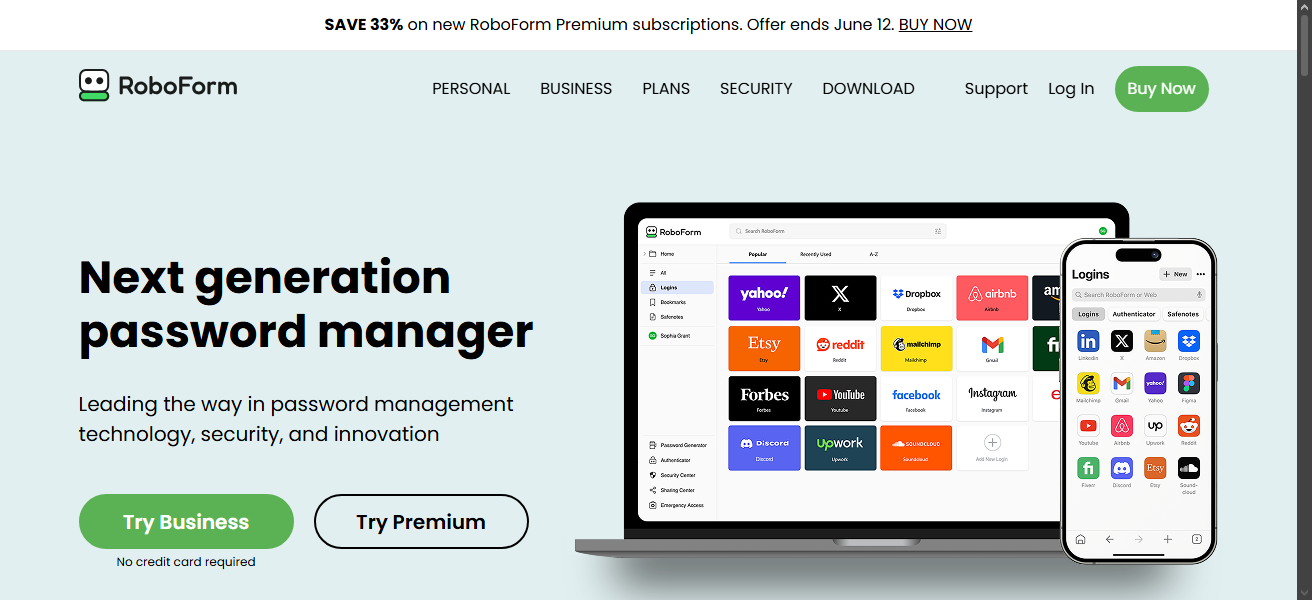
RoboForm is one of the oldest password management apps; it’s been around since 1999. This program can autofill your login details in a single click; the others can do this too, actually, and run on all platforms. On the security side, RoboForm uses AES-256 encryption with PBKDF2-SHA256 and a zero-knowledge architecture. It also now supports passwordless login via biometrics or passkeys.
Although available as a premium software, RoboForm has the most affordable pricing on this list. Notwithstanding, it also offers a free plan that allows for unlimited password storage on one device at a time. You will definitely love how easy RoboForm is to use, especially for online form filling. You can import your password and data from another password management app to RoboForm.
6. Keeper Security (Visit)
Now we have a corporate favorite here, Keeper Security. This is literally the go-to choice for organizations and small businesses that operate under strict compliance and security requirements. In 2026, Keeper Security is the only password manager on this list with FedRAMP Authorization, and it holds SOC 2 Type II, ISO 27001, HIPAA, and PCI DSS compliance certifications.
For business administrators, Keeper offers the most granular Role-Based Access Control (RBAC) available in any commercial password manager. The SCIM provisioning integrates with enterprise identity providers like Azure AD and Okta for automated user lifecycle management. While the SSO (Single Sign-On) integration allows employees to authenticate via their existing corporate identity without creating a separate master password. Keeper Security has plenty of agency/business features.
7. Proton Pass (Visit)
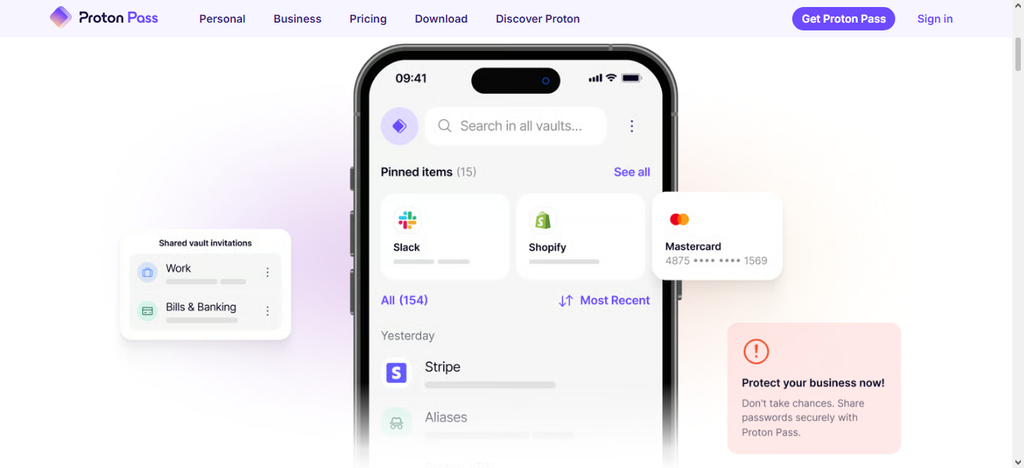
The truth is, a good number of password security solutions are developed by VPN companies. Proton Pass is coming from the Swiss company Proton AG, the same developers of ProtonMail and ProtonVPN. So, if you’re already a user of Proton products, you might as well add this one to your stack. Proton Pass deeply integrates with a broader suite of privacy-focused solutions.
On the free plan, you can store unlimited passwords across your devices, just like Bitwarden, and also enjoy Proton’s email alias (hide-my-email) feature that lets you generate unique, disposable email addresses for every account you create, so your real address is never exposed to third parties. Passkey support is also available on the free tier, as is basic secure note storage and two-factor authentication.
Conclusion
The best password storage software needs to work everywhere you do; in essence, it must be cross-platform compatible, and the ones we reviewed are all available across platforms, including as browser extensions.
Interestingly, there are free options that have pretty decent features for a modern password management solution. Did we miss any good ones you’ve used previously? Share them with us in the comments section below.