As email remains the most-used and most effective means of business communication and lead generation, protecting your emails has never been more important. Here, we will review some of the best email encryption services to use in 2026; these services offer superior protection to ensure that no one tampers with your sent or received emails.
The Best Email Encryption Services for Firms and Businesses
Some email services offer encryption in transit between servers, but here, we’re focused on those that offer end-to-end encryption, which guarantees that only you and your recipient can read the content of an email. Come along with me as I walk you through the 10 best email encryption services for firms and businesses.
1. Virtru (Check)
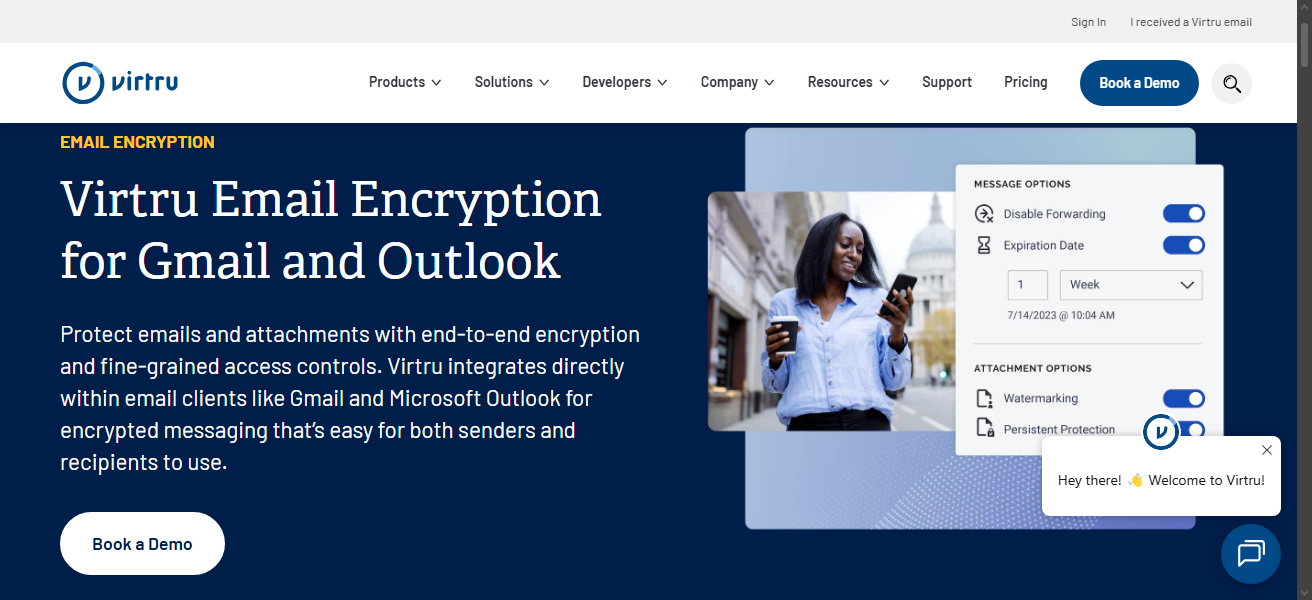
Virtru is the ideal choice for small businesses and personal users, although it has plans for enterprise businesses. But I say it is best for small businesses because it only supports Gmail and Outlook. With Virtru, you can set expiration dates for emails sent, so that sensitive emails automatically disappear from recipients’ inboxes upon expiration (just as “Disappearing Messages” on messenger apps like WhatsApp and FB Messenger).
Also, it lets you revoke access entirely, even after someone has opened the message. You can disable forwarding, track who opened what and when, and add watermarks to prevent screenshots. This level of persistent control makes Virtru a favorite for legal teams, financial services firms, and consulting practices sharing confidential documents.
The good thing? Virtru integrates directly into Gmail and Outlook via a browser extension or a desktop plugin, so existing workflows stay intact. Pricing starts at $119/month for up to 5 users for the Starter plan, while the higher-tier Business plan goes for $219/month, adding SIEM/SOAR integrations and broader compliance support.
2. Proton Mail for Business (Check)
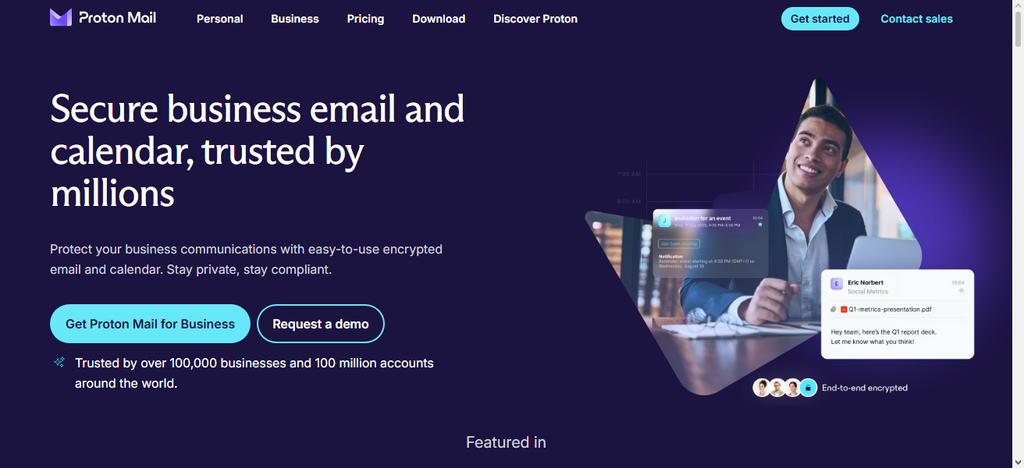
Basically, one of the most popular options out there, Proton Mail, is one of the best email services to use when you’re really interested in end-to-end encryption. Emails sent through Proton Mail for Business are automatically encrypted in the background; no extra steps required. You can transition from Gmail or Outlook in simple clicks, using the Import/Export wizard tool.
The main selling point is that Proton Mail has a free plan that stays free forever, but of course, it is limited. The basic plan, which is Mail Essentials, starts at $6.99/user/month for the annual billing cycle and $7.99/user for the monthly billing cycle. You get 15GB of storage, custom domain support, calendar encryption, and the Proton Pass password manager included.
One of the reasons to love Proton Mail is that the company owns a chain of other internet security tools, including VPN, password manager, and cloud storage, which can integrate seamlessly with bespoke business solutions. But, Proton Mail misses out on one important feature: it lacks direct SMTP/IMAP support; you’ll need Proton Mail Bridge to use desktop email clients like Outlook or Thunderbird.
3. Mimecast (Check)
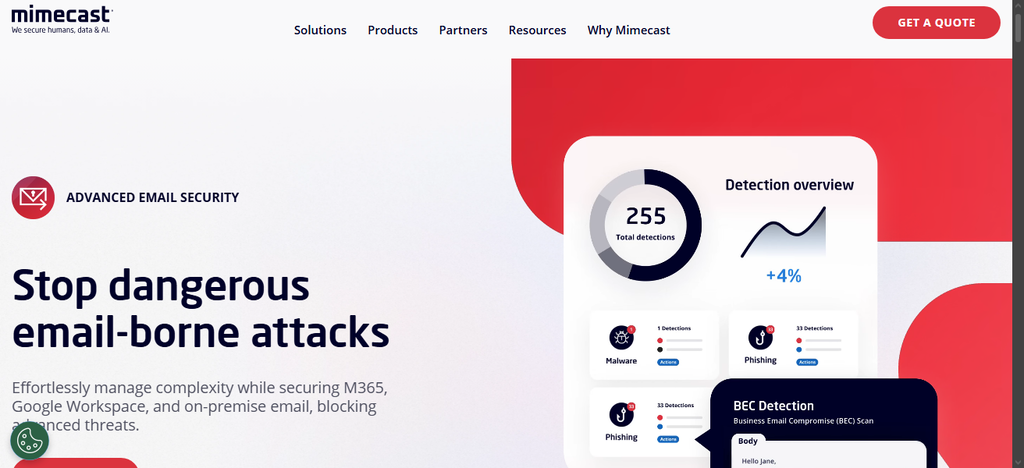
This one works with Microsoft 365, Google Workspace, and even bespoke on-premise email systems to block advanced threats by adding an encryption layer to a broader threat defense system. Mimecast goes beyond email encryption to offer archival features, data loss prevention, and advanced threat protection against compromise and phishing. It also offers continuity solutions to ensure your email infrastructure stays online even during attacks.
So, basically, Mimecast is an all-in-one email protection suite for businesses of all levels. The pricing is based on your needs; you have to specify your protection needs and receive a quote from the team. Apparently, Mimecast is more expensive than Proton and Virtru, and it’s mainly for larger teams and big corporations looking for not just email encryption, but a full business email solution stack.
4. Microsoft Purview Message Encryption (Check)
This is for organizations already into Microsoft 365; the Purview Message Encryption (OME, or Office Message Encryption) is an integral feature in M365, so you’re not paying any extra cost. It allows users to encrypt emails and share protected documents with external recipients, even if the recipients are using Gmail or other non-Microsoft email accounts.
Purview sends encrypted messages directly into recipients’ inboxes or through a secure web portal, depending on their email client. However, unlike most others on this list, Purview does not offer end-to-end encryption in the “zero-knowledge” sense; Microsoft holds the keys and can technically access your encrypted messages.
For compliance purposes like GDPR, HIPAA, and FINRA, this might not be a big issue, but for genuine data confidentiality, you should consider other options on this list. Notwithstanding, Purview is simple to use, integrates into Outlook without additional software, works across Microsoft platforms, and costs nothing extra if you’re already paying for Microsoft 365.
5. Mailbox.org (Check)
The German-based Mailbox.org is one of the top providers of email encryption and security globally, offering some of the cheapest plans you will ever get. It has a free but limited plan and paid plans starting at €1/month, with perks like support for custom domains.
MailBox combines encrypted email with encrypted calendars, address books, online storage (5GB included), and a full productivity suite with GDPR protections and no data selling policies. Yeah, MailBox email security is end-to-end encrypted and in compliance with business standards; it also supports PGP for interoperability with other encrypted email providers.
For small businesses or even personal users seeking email encryption with GDPR compliance, Mailbox.org offers professional solutions without enterprise pricing. The PGP encryption lets you migrate your contacts from another service to Mailbox easily.
6. Tuta (Check)
Previously called Tutanota, Tuta is equally a German-based business security and protection services provider with a system that “protects everything by default.” Unlike providers that bolt privacy onto existing email infrastructure, Tuta encrypts your emails, calendar, contacts, and subject lines from the ground up using combined AES and RSA encryption. Yes, the protocol encrypts even your email subject lines.
Also, Tuta uses post-quantum cryptography (TutaCrypt protocol), which removes IP addresses from emails and protects against future threats from quantum computers, even though that threat is still years away; that’s crazily impressive. The Tuta email privacy plan starts around €6/user/month for the Business plan and includes custom domains, unlimited email aliases, up to 1TB storage, and direct priority support from Hanover, Germany.
One thing to note is that Tuta doesn’t support PGP encryption, which means users of other encrypted email services won’t be able to send PGP-encrypted messages to your team, but they can still send password-protected messages through Tuta’s interface.
7. Paubox (Check)
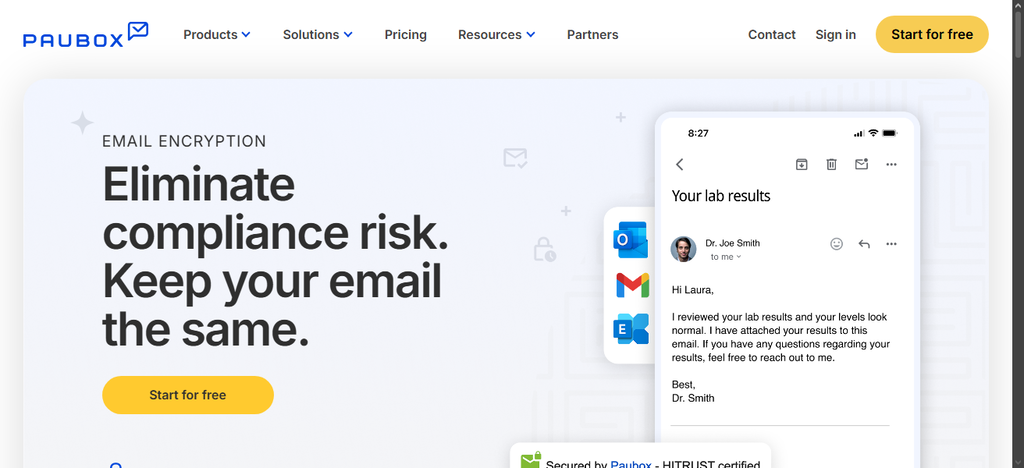
Paubox prides itself on its HIPAA-compliant email protection suite, so it is an ideal choice for healthcare businesses. Paubox offers automatic encryption with zero user friction: once you set up Paubox, every outbound email is encrypted by default. Your staff doesn’t need to flip a switch, add keywords, or remember a procedure.
Patients and partners receive encrypted emails in their normal inbox; no portal logins, no separate interfaces, the recipient just reads the email as they would any other message. The Email Suite Standard plan goes for $32/month with a Business Associate Agreement (BAA) included. Plus, all plans offer HIPAA compliance and seamless integration with Google Workspace or Microsoft 365.
Conclusion
These are the best email encryption services for businesses and even personal users looking to secure their emails. As emails remain the primary means of business communications, making sure every message you send is secure and protected against cyber threats is worthwhile for any modern business.