If you’re starting to learn coding, most especially HTML, JS, CSS, or Python, two of the most recommended text editors you’d be advised to use are Atom and VS Code, and then you get to choose between the two. ATOM and VS Code are free and available across multiple platforms, including Windows, macOS, and Linux.
Choosing the right editor as a programmer or developer is a core decision that affects the rest of your coding career and deployments. We’d be comparing these two editors in aspects that matter to beginners, mainly, while also considering intermediate coders.
Virtual Studio vs ATOM Editor: Overview
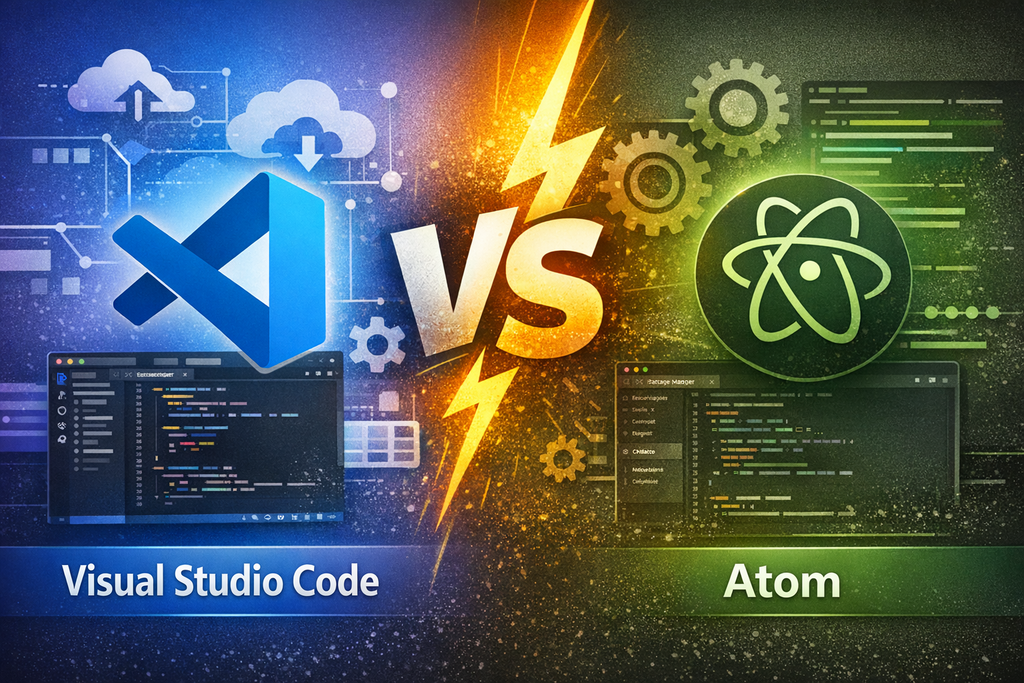
Let’s look at how these editors came to be and their general offerings. Good thing, they are both completely free to use on all platforms.
Virtual Studio Editor
Developed by Microsoft, Visual Studio Code, commonly referred to as VS Code, is a modern, popular text editor for coding multiple languages; it is built on Electron. It is feature-rich and allows for the integration of “plugins” to extend its tentacles to accommodate even more features and capabilities, to the point of turning it into a full-stack IDE.
Compared to most other code editors, VS Code is lightweight and fast; yes, it kind of lags a bit, but not as much as ATOM and most other editors. VS Code is a full-featured code editor, supporting debugging, remote development, integrated terminals, and first-class extension APIs. Even so, the editor is 100% free to use.
ATOM Editor
Atom, a super-interesting free editor built on Electron, is considered to be one of the very best for beginners. This editor is highly customizable and is community-oriented, fostering seamless collaborations. Built by GitHub, the Atom editor is free and open-source; it is equally available across platforms.
The highly customizable nature of ATOM is what draws many to it; unlike VS Code, where the plugins cannot be fully customized, ATOM extensions allow you to fully customize them as needed. It was codenamed the “hackable text editor for the 21st century” because of its unmatched flexibility for users to adjust all its functions and features.
VS Code vs ATOM Editor: Comparisons
Actually, these two editors are similar in many aspects, including having the same backbone (architecture). Notwithstanding, they still have their differences, which is what I’m going to outline in this VS Code Vs Atom editor section.
Architecture
Both editors are built on the Electron framework, which fosters cross-platform support and web-based access. Electron allows developers to run a single codebase and have their apps run across platforms.
Other underlying frameworks that power these editors include Node.js, HTML, and CSS. Apparently, the two run the same core architecture with vendor-based adjustments.
Performance and Resource Usage
For an app with a few lines of code? You won’t notice any difference while writing the code on these editors, but when it’s a heavy development or programming task, you start to notice that ATOM lags, especially if you have installed multiple extensions and customized them heavily.
VS Code generally offers better responsiveness and memory usage compared to ATOM, and this is because you cannot fully customize VS Code; ATOM’s noticeable lag often results from the heavy customizations of the extensions; the fewer extensions you run on ATOM, the less lag you’ll notice while using it.
Extensions and Integrations
Atom calls it packages, VS Code calls it plugins; both refer to the same thing – extensions. With extensions, you can extend the features of either of these editors, as well as make your code flow easily. Both editors have extensions for autocompletions, syntax corrections, debugging, and many other functions.
VS Code’s plugin store is massive; it hosts thousands of utility-based plugins and extensions for linters, languages, debuggers, Docker, CI, Kubernetes, GitHub Codespaces/Copilot, and many enterprise integrations. Virtual Studio also comes with Git support by default.
Atom, on the other hand, has a massive package repository, too, where you will find a plethora of extensions for many actions that could simplify your coding, save you much time, and make your job much a lot easier, generally. Plus, you can customize these extensions to a great extent.
Collaborative and Remote Features
In today’s work environments where fully remote and hybrid workspaces exist, what you need is a tool that fosters seamless collaborations, and, good thing, these two editors allow for such.
You can connect VS remotely via SSH or WSL and collaborate with cloud-based dev environments such as GitHub Codespaces and Azure DevOps. While Atom allows you to connect remotely via extensions.
What More?
Well, you might want to know that either of these editors can be used to code HTML, Python, JavaScript, TypeScript, PHP, CSS, Ruby, C++, and Java apps. Actually, comparisons are subjective; different people will always have different views on comparable subjects. In this case, both ATOM and VS Code are good code editors, but your choice depends on which you “prefer.”
Recently, Microsoft acquired GitHub, which now means that Microsoft is the owner of the ATOM editor, which was developed and managed by GitHub. So to say, Atom may finally merge into VS Code, or Microsoft may make it look so much like VS Code, while remaining a competitive alternative. However, generally speaking, VS Code is the better option in this comparison; the only edge ATOM has over VS Code is the flexibility in customization.