The Shortcuts app on your iPhone and iPad can be used to download online videos for free, and there are a couple of other free applications you can grab from the App Store for this purpose. This article reviews some of the best iOS video downloader apps that allow you to grab online videos on your iOS device(s).
The Top 10 Free Video Downloaders for iPhone and iPad
Here are some of the top free video downloaders for iPhone and iPad. Of course, some of these apps are freemium, which means that while they offer a “free” version, some of their advanced features are restricted behind paywalls.
1. Shortcuts App
The Shortcuts app is automatically available on your iPhone if you’re running iOS 18 or a newer version. This free tool enables a ton of functions, including Siri commands. To download online videos using the Shortcuts app, you have to first add the “All Media Downloader” shortcut. Here’s how to do it:
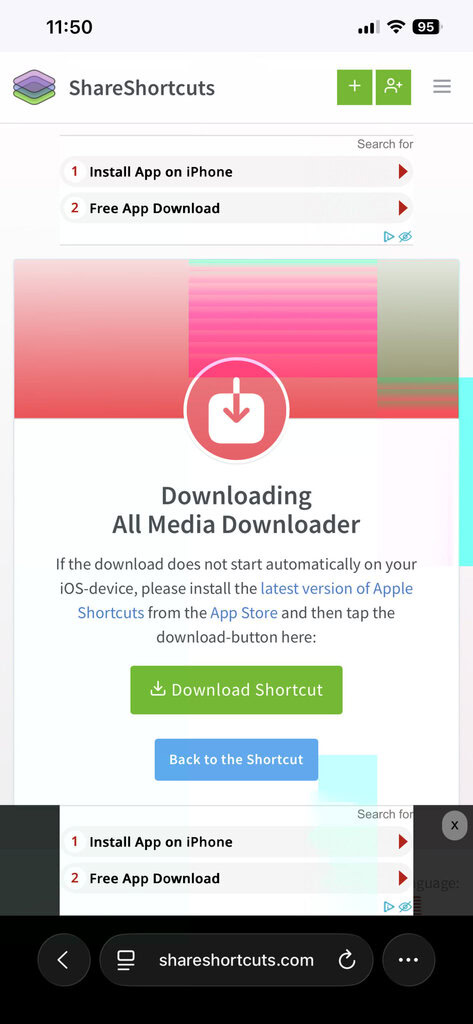
- Open your web browser, either Safari or Google Chrome, and search for All Media Downloader.
- Open the search result from the ShareShortcuts website and tap on Download Shortcut. (Quick download link: https://shareshortcuts.com/shortcuts/2514-all-media-downloader.html)
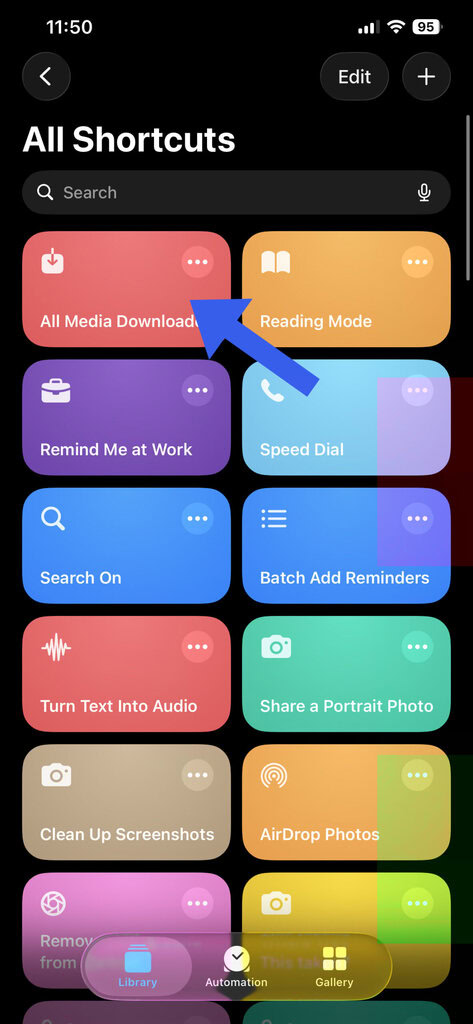
- Once you’ve added All Media Downloader to the Apple Shortcuts app, go and copy the URL of the video you want to download.
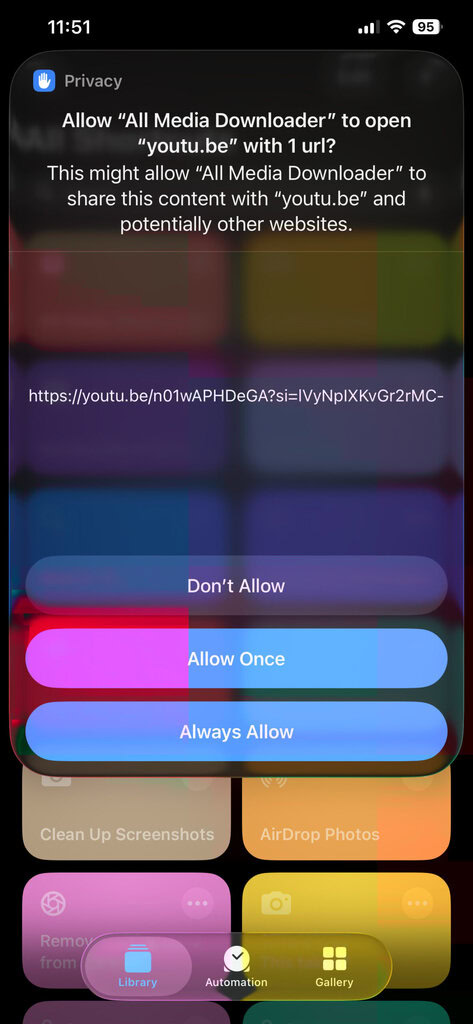
- Re-open the Shortcuts app and tap on the All Media Downloader shortcut. It will automatically detect the copied link and prompt you to allow permissions for the media file (from the URL) to be downloaded. You have to tap on “Allow Always.”
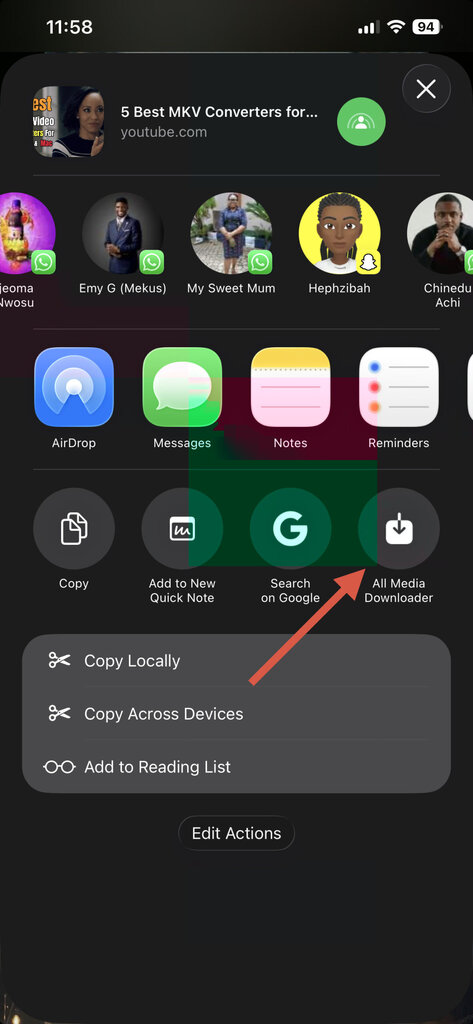
- Alternatively, you will see the “All Media Downloader” icon on the Share Screen when you want to copy a video URL on your iPhone or iPad; tapping on the All Media Downloader icon on the share screen will also grab the digital video you want to save.
This tool is totally free and available on all iOS devices running iOS 18 or later versions with Shortcuts installed.
2. SnapTube Video Downloader & Saver (Install)
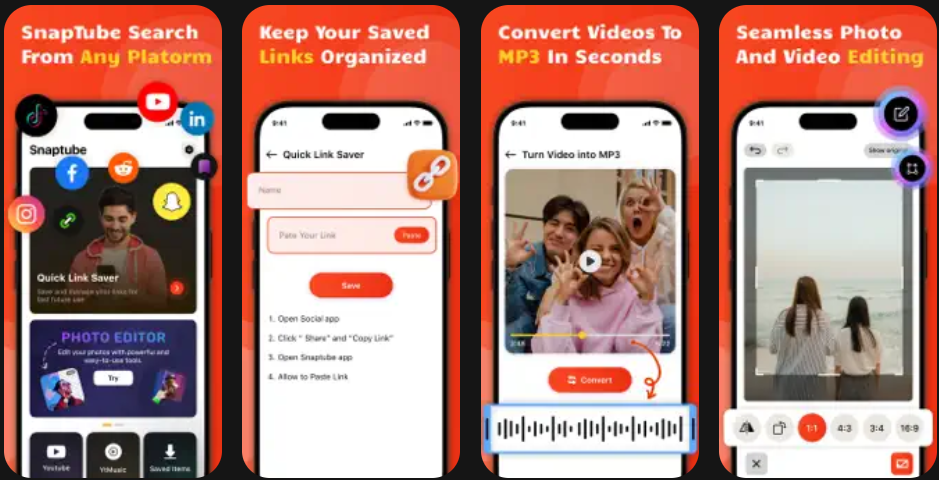
Another great tool for this task is the SnapTube Video Downloader & Saver app, which is free on the App Store and compatible with devices running as low as iOS 15.6. It is equally a lightweight application with a size of just 54MB. However, be sure to deal with unnecessary ads as you use the app.
This video downloader app can save videos from quite many platforms, including the likes of YouTube, Facebook, X, Instagram, LinkedIn, and all of that; it can also convert the video files to MP3 audio files instantly. Interestingly, the app equally features additional tools such as background eraser, video editor, and quotes-to-image creator. It’s a utility tool.
3. Documents by Readdle (Install)
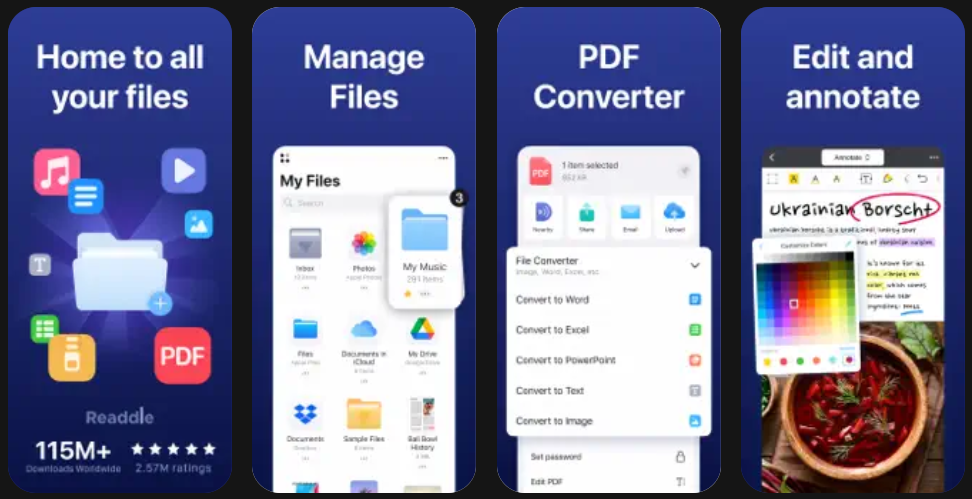
Yes, while the name may not sound like it, Documents by Readdle is actually a free iOS tool for downloading online videos to your iPhone or iPad’s local storage. However, the way you use this one is a bit different from the way other downloaders mentioned here work. First off, Documents by Readdle is more like a File Manager with an integrated web browser.
So, to use this app to download files, you have to first install it from the App Store, then each time you want to download an online video, you launch the app, then navigate to its web browser tab and open the video you want to download and start downloading; you might also have to open a video downloader site to download a video inside the Documents by Readdle app.
4. HD Video Downloader (Install)

This HD Video Downloader is available for free and allows you to save videos from different social platforms. It has a paid version to hide all ads and unlock more features; however, the free version offers just enough tools for online video downloading, albeit with ads.
The app also works as a download manager and a file manager app, allowing you to pause and resume video downloads or rename them after downloads. It’s quite a useful one.
5. iDownloader (Install)

Built primarily as a download manager app, iDownloader can also save videos from online sources for free on macOS devices. iDownloader can be handy for downloading both document and media files; it’s a good one, truly, but it is only available for macOS computers, not necessarily iPhones and iPads.
The app integrates multiple useful tools, including a web browser, file & media manager, playback tools, file transfer, and cloud integration. Plus, it is a secure and safe app. There is a different web-based iDownloader app for saving social media videos via web browsers, and this one works across devices that have internet access.
6. Total Files (Install)
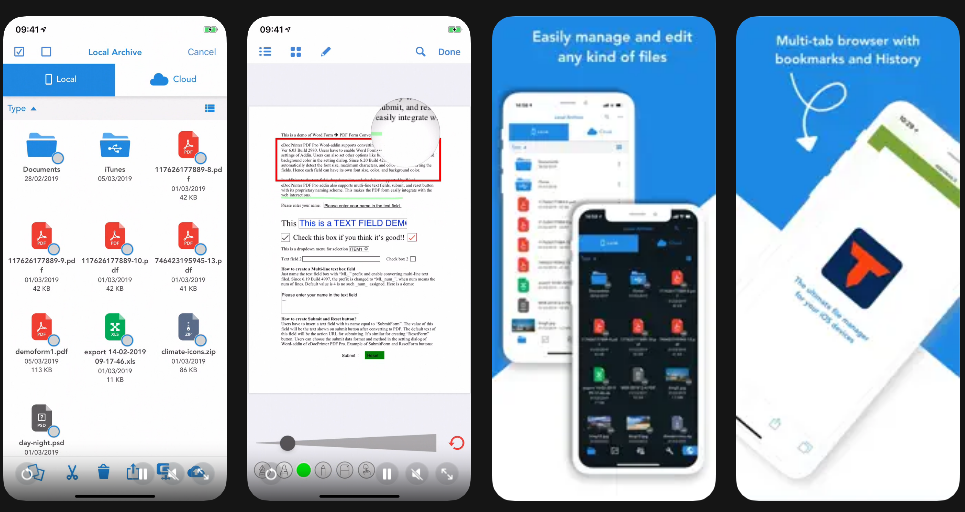
Due to iOS restrictions, you don’t find too many flexible “video downloader” apps as you’d find on Android app stores and APK websites. However, most “Download Manager” apps for iOS integrate built-in tools that allow for saving of online videos from select sources, and that’s where the Total Files app falls in, in description.
Total Files is a feature-rich cloud file manager that integrates with the official Files app on your iPhone or iPad to allow all-encompassing file management across multiple storage sources. The app also has a built-in PDF reader, web browser, and other handy tools. For downloading online videos, you have to utilize the web browsing feature.
7. Video Saver PRO+ Player (Install)
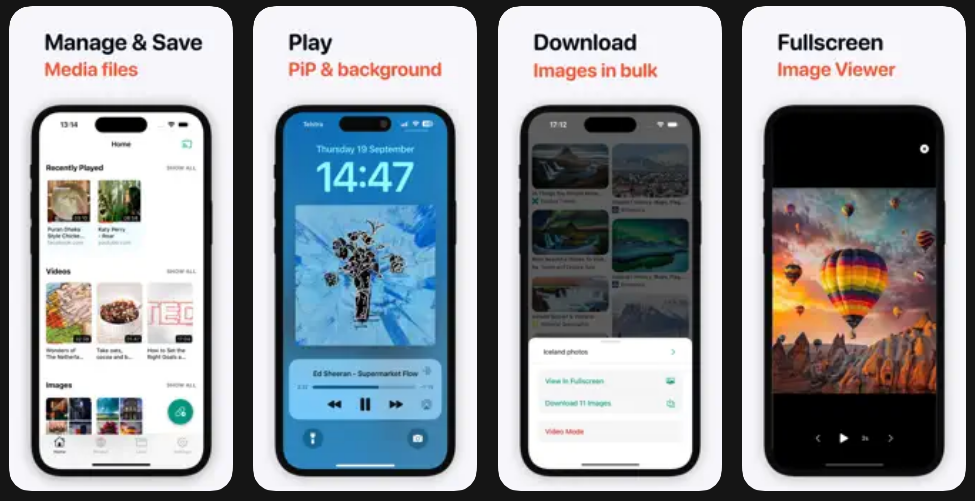
The Video Saver PRO+ Player app is a freemium iOS app with a lot of handy functions, whichincludes downloading online videos. Yes, it does not support downloading from multiple platforms like other standard downloaders, but it does pretty well in grabbing YouTube files.
You can also bulk-download files, playback media in full-screen or picture-in-picture. You can also use this as your streaming app; it grants you access to a good number of streaming sites, plus it supports casting via Chromecast.
8. MyMedia – File Manager (Install)
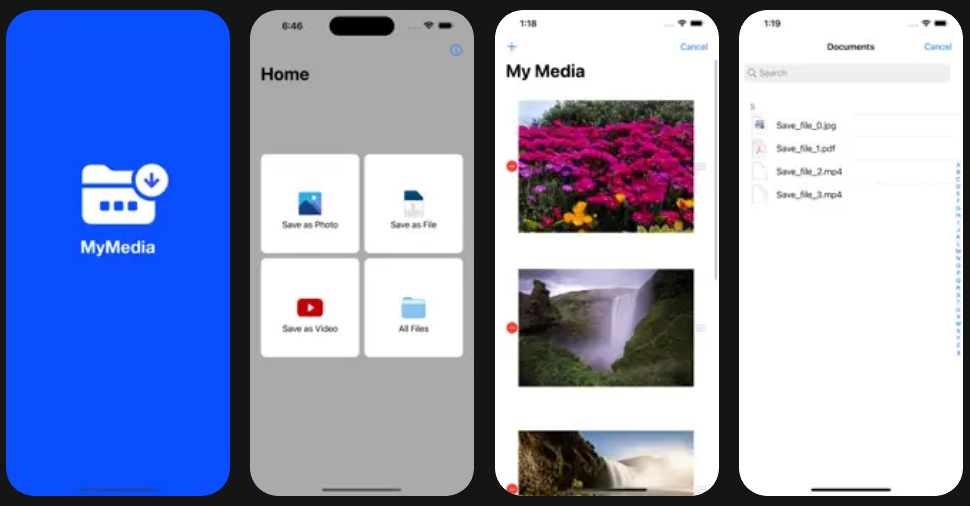
Mainly, this one is built for iPads, but it still works on iPhones. MyMedia is a privacy-focused file manager that doubles as a reliable video downloader when used correctly. Like several other apps on this list, it leverages an internal browser rather than direct platform integrations.
To download videos, users typically paste a video link into an online downloader website within MyMedia’s browser. Once detected, the video can be saved directly into the app’s local storage, from where it can be played offline or exported to the Photos app. The app flaunts a clean and professional interface.
9. Private Browser – Video Downloader (Install)
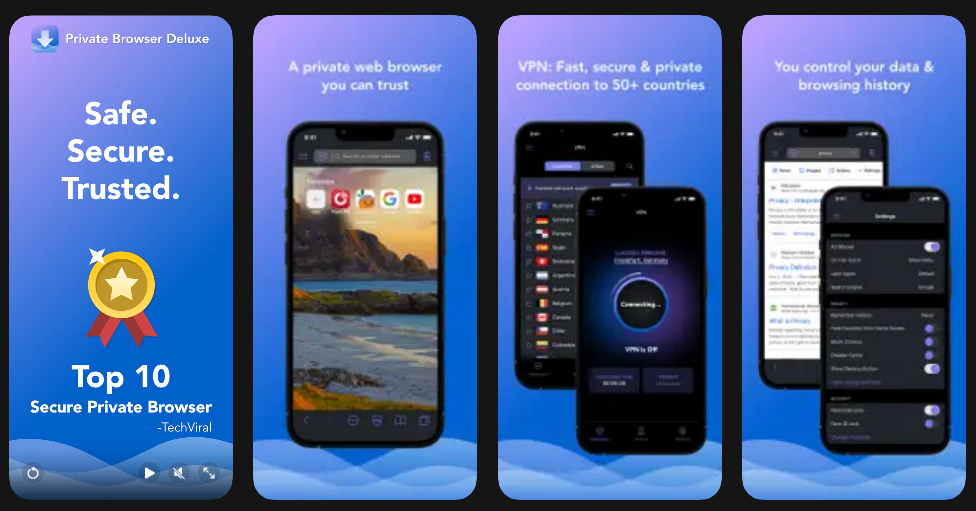
Here’s another free tool that’s not too different from the many others on this list. Private Browser–Video Downloader is for iOS device users who prioritize privacy and discretion. The app combines a private browsing environment with a built-in video detection engine that captures playable media files from supported websites.
Yeah, there are just a few supported websites, mostly popular sites like YouTube and Facebook. Once a video starts playing in the browser, the app automatically flags it for download. You can then choose the resolution and save it locally. While the free version includes ads and some feature limitations, it remains effective for casual downloading.
10. All Video Saver (Install)

This one even lets you save WhatsApp status videos on your iPhone or iPad – a feature many people long to have on their iOS device. All Video Saver auto-detects videos as they play, and it also supports HD downloads.
The app is packed with multiple features, including bookmarking, a media player, password-protected folders, and others. It supports all known audio formats, too. Take this as an all-rounder video downloader suite for iOS devices.
Conclusion
These are the best apps for downloading online videos on iPhones and iPad devices. They are all available through the Apple App Store and can be installed for free; however, most of them have in-app features restricted behind paywalls. Tried any of these? Do you recommend it?