Several years ago, we listed the top cloud storage services of that time, but we will be streamlining the list to the absolute 7 best Cloud Data Storage Services today. A lot of people, including myself, prefer cloud storage to physical storage, especially for mobile device file syncing and management. Also, for businesses, cloud storage offers flexibility, rapid scalability, and unmatched accessibility for remote team collaboration. These features are difficult to achieve with physical storage, even if you opt for a network configuration for remote access.
Cloud storage platforms have even advanced to allow file edits, management, and other handy features for seamless cross-platform file sharing and management. However, running cloud storage can be quite expensive, even though all its service providers literally offer a free plan; the free plans are usually limited enough that you would be forced to pay the premium fee to get more from the service. Notwithstanding, they are worth the price, depending on the one you choose.
The 7 Best Cloud Data Storage Services for Individuals, Startups, and Businesses
As fully outlined in our earlier post on Dropbox alternatives, we stated the reasons why startups should opt for Cloud storage options in place of traditional ones. These 7 options are the place to look out when starting your cloud storage journey in 2026 and beyond. These cloud data storage services provide mobile device and enterprise business data storage solutions with great flexibility and fair pricing.
1. Google Drive (Visit)
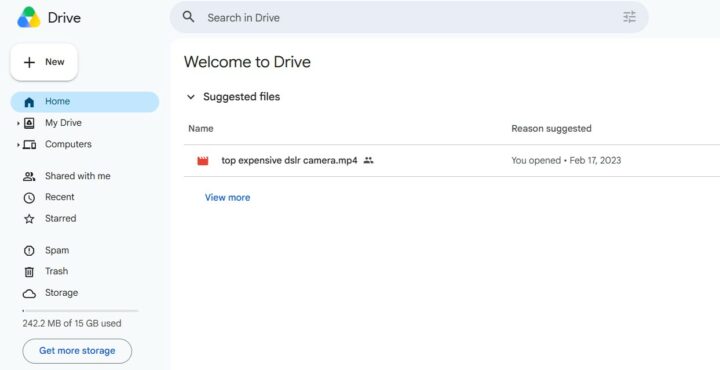
Without doubt, Google Drive remains the best cloud storage platform out there, and equally the most popular one. The reasons why it clings to the top spot aren’t far-fetched; Drive is automatically present as a bloatware app in over 80% of all Android-powered devices, so a lot of people used it as their first-ever cloud storage solution and stuck with it.
However, for what it’s worth, Google Drive is the most generous cloud storage service out there. In terms of storage, it offers 15GB on its free plan. The 15GB of free storage covers your data saved across Google’s apps, including Gmail, Photos, and Google Drive itself. If you need more than 15GB of cloud storage, you can opt for the Google One plans that start at $1.99/month for 100GB, scaling up to $9.99/month for 2TB.
Google Drive seamlessly connects with all Google products, including business solutions like Workspace and Meet. Also, you can share your plan with up to 5 or more family members or business colleagues, whether you’re on the least plan or the highest plan. It is available as a mobile app and a desktop app (via Google Workspace).
2. Dropbox (Visit)
Coming next to Drive in popularity and adoption is Dropbox. In fact, before Google Drive came and took over the space, Dropbox was the top choice of everyone, from developers to creative professionals and enterprises. Dropbox is actually a stand-out; it uses a block-level syncing engine whereby it only uploads the specific blocks of a file that have changed, rather than re-uploading the entire file. A great one if you handle large files or frequently edited documents.
In terms of pricing, Dropbox’s plans are among the most affordable; the Dropbox Plus plan costs $9.99/month for 2TB of storage. It also offers a Smart Sync, whereby your cloud files would appear in your local file manager without you having to download them locally, and there’s a selective sync feature, too.
One of the aspects where Google Drive wins over Dropbox is the free plan; Dropbox offers just 2GB of free storage in its free plan, as against Google Drive’s 15GB, but it still integrates natively with Microsoft Office, Google Workspace, Slack, Zoom, and a wide range of creative tools.
3. Microsoft OneDrive (Visit)
Just as Google infuses and pairs Drive with all its apps and solutions, Microsoft does the same with OneDrive. MS OneDrive is more recommended for business than for personal use, not because it can’t be used as a personal cloud storage, but its features are more business-inclined. Plus, if you’re a Windows PC user or have a Microsoft 365 subscription, you already have OneDrive included in your stack.
Unlike the others on this list, OneDrive’s premium plans are not sold separately; you have to purchase a Microsoft 365 bundle to get OneDrive Premium, which is why I said earlier that it is more business-inclined than personal. The basic plan goes for $1.99/month or $19.99/year, offering up to 100GB of cloud storage plus 100 GB of mailbox storage, among other features, but it cannot be shared with another user account. The free plan gives you 5GB of free storage.
4. MEGA (Visit)
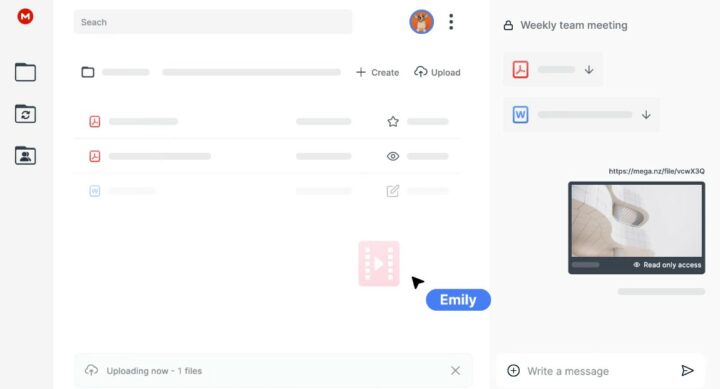
MEGA is more like a personal best for me when it comes to secure file sharing online; it offers up to 20GB of end-to-end encrypted cloud storage for its free plan, which is more than any other provider on this list. With MEGA, encryption is end-to-end by default, even on the free plan. The company is based in New Zealand, hence their emphasis on user-controlled encryption keys as a security option. So, only those who have the key can decrypt the stored content.
The desktop client is available for Windows, macOS, and Linux, and it’s got mobile OS support for Android and iOS, plus a browser extension. Paid plans start at €4.99/month for 400GB, scaling to €9.99/month for 2TB and higher tiers. MEGA handles large file transfers well and enables folder sharing for team collaboration. You can also get the MEGA VPN to pair with your cloud storage for more protection.
5. pCloud (Visit)
Not much of a popular one, but it’s one of the very best, especially for personal users who have large files they want to store away. pCloud surprisingly offers genuine lifetime plans; for a one-time payment of around $199 for 2TB, you get that storage permanently. This lifetime plan is for individuals; pCloud’s business plans do not support a lifetime subscription plan. Also, for free personal storage, you get 10GB.
pCloud is headquartered in Switzerland and operates under strong Swiss and EU data privacy regulations. It has official apps for all major platforms, including Linux; the app also has a built-in media player for audio and video playback on the cloud storage. You can enable the automatic camera uploads and social media backups from platforms like Facebook and Instagram. Yeah, pCloud is a good one.
6. IDrive (Visit)
IDrive is a solid choice when you’re looking to access files from multiple devices remotely without issues. It works for work laptops, personal PCs, mobile phones, external hard drives, and even NAS devices. It is literally the best-value cloud storage solution of 2026; not the cheapest, but in terms of value for money, it is the best on this list. Also, each subscription covers an unlimited number of devices.
One of the reasons to love IDrive is that it approaches cloud storage as a full backup solution rather than just a sync service, so it supports both continuous and scheduled backups, retains up to 30 versions of every file, and offers the unique IDrive Express service, where the company physically ships you a hard drive for large initial uploads or disaster recoveries. I mean, this is the real deal for entrepreneurs and large businesses.
Furthermore, IDrive has a browser-based Microsoft 365 document editor that lets you create and edit Word, Excel, and PowerPoint files directly within your IDrive account. It also integrates Google Workspace, Salesforce, Dropbox, and other business cloud solutions.
7. Proton Drive (Visit)
There’s almost nothing Proton doesn’t offer, from VPN to password manager and now cloud storage. Proton Drive is a privacy-first cloud storage provider. With Proton Drive, your files are encrypted on your own device before they reach Proton’s servers. Files, file names, and metadata are all encrypted. The free plan gives you up to 5GB of encrypted storage. By default, you get 2GB, but you can expand it to 5GB by completing certain account setup steps.
The premium Proton Unlimited plan starts at around $7.99/month for 500GB storage, and it unlocks the full Proton ecosystem: ProtonMail, ProtonVPN, Proton Pass password manager, Proton Calendar, Proton Docs, and the new Lumo AI assistant. Proton Docs editor allows secure real-time document collaboration without ever leaving your encrypted environment. However, Proton Drive has a more sluggish upload and sync performance speed than the others on this list.
Conclusion
Apparently, you will find many other cloud data storage services out there, but these seven (7) are the best ones you can get. They all offer free plans, just limited, except for MEGA, which allows you up to 20GB free, which is truly impressive.
A cloud storage service is more than just an extended storage for your files; it fosters remote collaboration, easy access to files across devices, and, for some, effective file management via an intuitive editor/file manager.