In this day and age, who doesn’t know about online video downloaders? and the possibility of downloading literally any video found online, especially on social platforms? iGram Instagram Video Downloader is a web tool that allows you to download videos from Instagram in super high-definition quality, and it supports all IG video sources: IGTV, Reels, IG Videos, and Stories.
The tool works pretty much like every other online video downloader you have known or used: you have to copy the IG video link, paste it into the tool’s address bar, and hit the download button. Yeah, as a web-based tool, you can access the downloader from any device, whether it is your mobile phone or your PC.
How to Save Stories with iGram Instagram Video Downloader
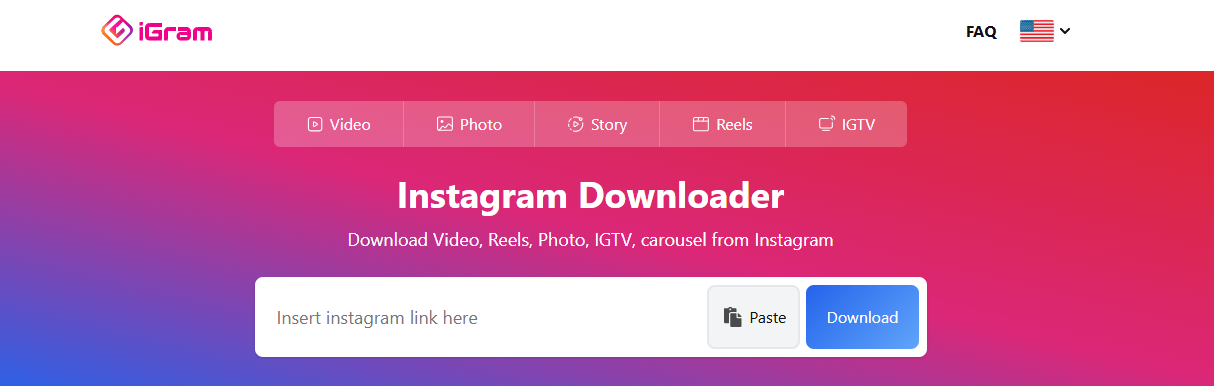
There are lots of fun and creative videos you will find on Instagram as you surf the platform, and you may want to grab all these videos and have them saved on your local storage. iGram grants that flexibility and is accessible across your devices, via the web. Here are the detailed steps to using the iGram Instagram Downloader tool.
Step One:
Open a web browser on your mobile phone or PC and visit the iGram downloader website: https://igram.world/en1/
Step Two:
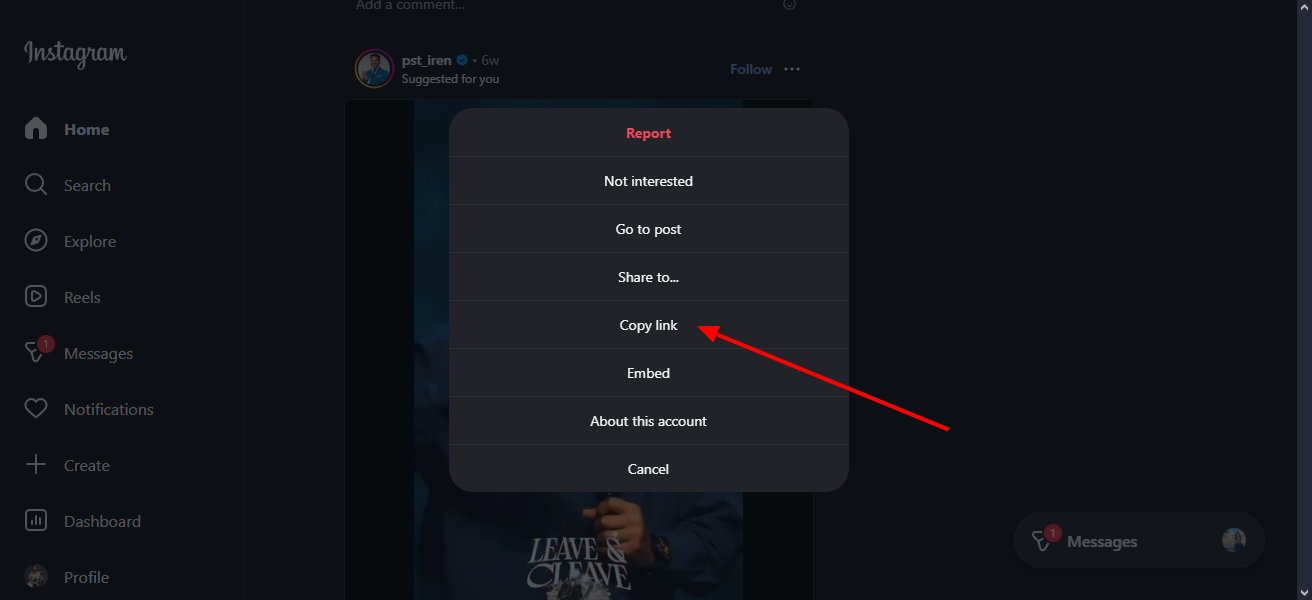
Now, open Instagram via the mobile app on your smartphone or web browser and play the video you want to download. Copy the URL to the video, or tap on the Share icon (if you’re on mobile) and copy the video link.
Step Three:
With the link to the video copied, head back to the iGram downloader tool you opened on your browser and paste the copied link into the tool’s address bar. Now, click on the “Download” button to grab the video to the particular local storage folder or device you want it saved.
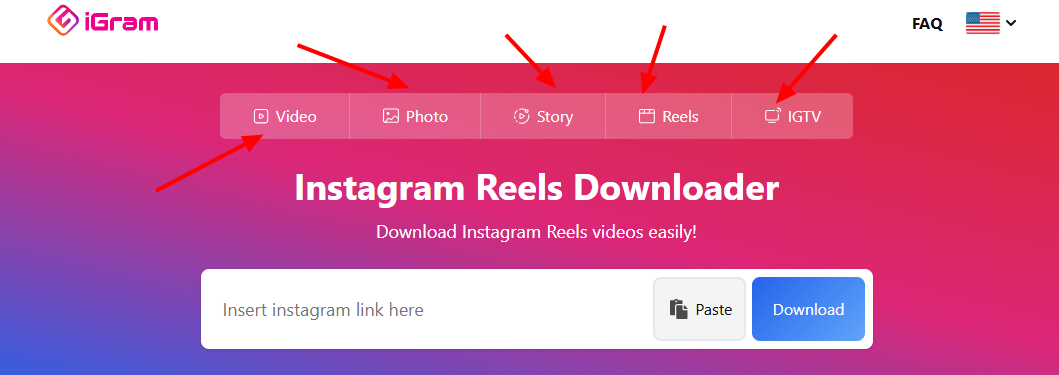
Note: iGram supports downloading different types of Instagram videos: Reels, IGTV, Videos, and Stories. Be sure to select the one you want to download specifically by toggling using the tabs above the downloader’s address bar. All these downloaders are available for free with no hidden premium plans.
What More?
That’s it! That’s how you download Instagram videos, Reels, IGTV content, or stories using the iGram Instagram video downloader tool. There is no limit on the number of Instagram video content you can download daily; however, you can only download them one at a time, not in bulk, and that, perhaps, is the downside of the iGram video downloader.