
eufy C31 Video Doorbell with Chime Review $75 to $135
-
Design and Features
-
Value for money
-
Ease of use
-
Video quality compared to my older seeing video doorbell
Summary
The eufy Video Doorbell C31 with Chime is a dual-energy-source video doorbell (hardwired power or swappable 6500mAh battery-powered) with 2K video, AI motion detection, two-way communication, local storage support, and a dedicated indoor chime.
Pros
- 2K video in a 4:3 frame
- Dual power source: Swappable 6500mAh battery or hardwired power
- No monthly fees, plus local storage via HomeBase 3
- Works with Alexa and Google Assistant
Cons
- No Apple HomeKit support
- Local storage, AI detection, and 24/7 recording each depend on extra hardware or wiring
- It is not compatible with older eufy Wi-Fi Chimes (T8020, T8740, T8742)
User Review
( votes)The eufy Video Doorbell C31 with Chime is a 2K doorbell that runs on a swappable 6500mAh battery or hardwired power. It is a budget-friendly smart doorbell built for homeowners who want crisp 2K video and local storage without getting locked into monthly cloud subscriptions. By bundling the C31 doorbell with the eufy MiniBase Chime, Anker provides an out-of-the-box solution that bridges the gap between simple battery-powered convenience and continuous 24/7 wired surveillance.
Here, I am going to put the eufy video doorbell to the real test, comparing it with my previous Seeing visual doorbell solution and similar surveillance solutions I’ve used within the past 2 years. So come along with me as I walk you through my in-depth look at eufy’s battery-powered video doorbell with 2K video, intelligent motion detection, two-way communication, local storage, and a dedicated indoor chime.
eufy Video Doorbell C31 with Chime Overview
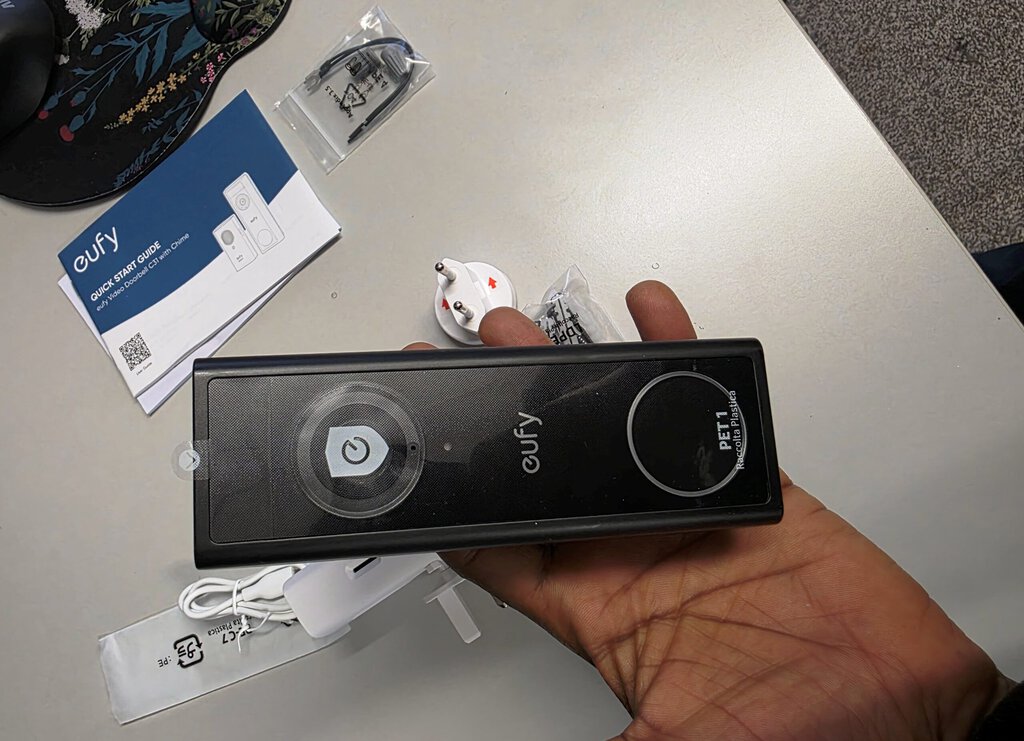
eufy, a security-focused brand under Anker Innovations, manufactures the Video Doorbell C31 with Chime. The C31 supports the company’s HomeBase ecosystem, providing an upgrade path for households looking to expand their smart security infrastructure. With no monthly fees and local storage support, it is a one-off option for tenants and aged homeowners.
While the C31 is a strong value pick for people who want to avoid a subscription, some of its best features rely on extra kit: local storage and AI detection need eufy’s HomeBase 3, and 24/7 recording needs a wired setup with a transformer. It also does not work with Apple HomeKit.
Apart from these minor limitations, home Wi-Fi connectivity, flexible installation options, motion detection, and real-time video recording capability make it a good buy for homes and offices. Here below are the specs and capabilities:
eufy Video Doorbell C31 Key Specifications and Features
| Feature | Specification |
| Video Resolution | 2K FHD |
| Aspect Ratio | 4:3 view of the full front-door area (with 16:9 extended view option) |
| Power Options | Dual: 6,500mAh quick-release rechargeable battery OR hardwired to existing doorbell wiring |
| Continuous Recording | 24/7 recording + 5-second pre-roll on motion events (requires hardwired power) |
| Local Storage | microSD card up to 128GB (sold separately) or HomeBase S380 up to 16TB |
| Wired extras | Pre-record need a 16–24V, 30VA transformer and bypassing the existing chime |
| AI detection | “Enhanced AI” with HomeBase 3 |
| Weather Resistance | IP65 rated (-20°C to 50°C / -4°F to 122°F) |
| App & Communication | eufy app 4.9.3 or later, Two-way audio |
| Night vision | Infrared night vision |
| Connectivity & Video calling | Wi-Fi, Real-time video call notifications |
| Included Chime | eufy MiniBase Chime (T8023) |
| Smart Integrations | Amazon Alexa, Google Assistant, eufy HomeBase 2 and HomeBase 3 (S280/S380) |
| Pricing | $75 to $135 (depending on purchased add-ons) |
Unboxing and First Impressions
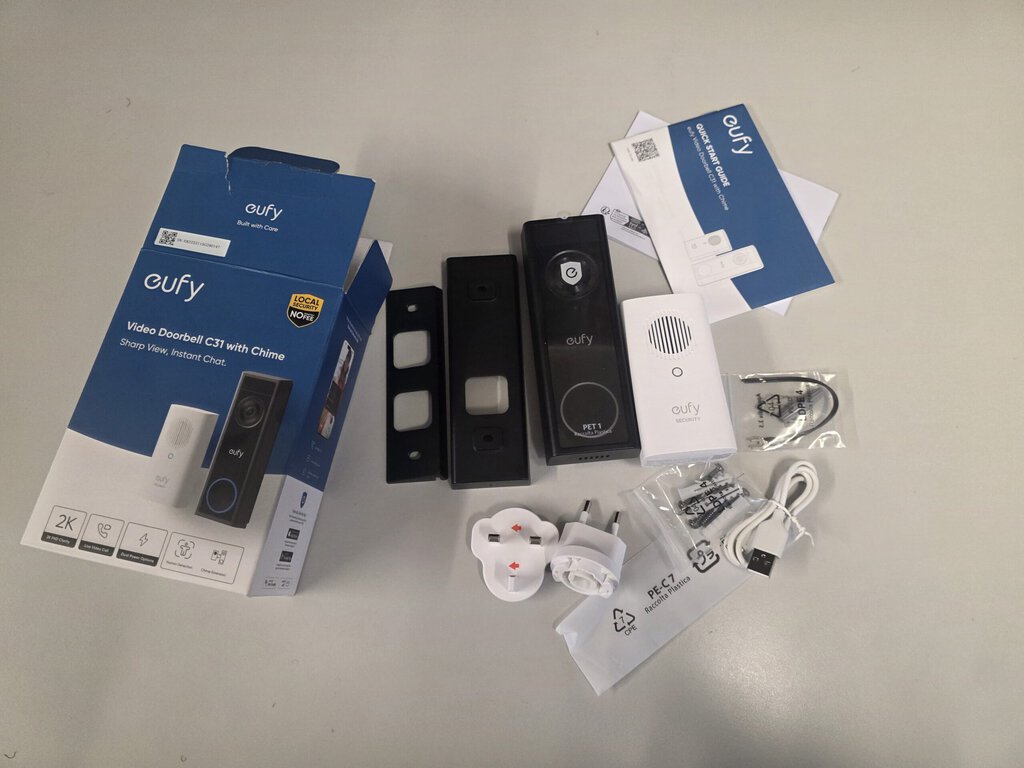
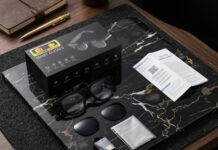
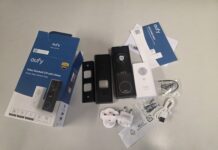
As expected, the packaging was top-notch, giving an all-round premium feel on first opening. Everything was neatly packed in the right places, which earned it a 4.5/5 in this segment. Here are the items in the box:
- The Video Doorbell C31
- The MiniBase Chime
- Rechargeable Battery Pack
- Extension Wires and Detaching Pin
- Jumpers for Existing Chime
- 15-degree Mounting Wedge
- Mounting Bracket
- Screw pack and screw hole positioning card
- USB-C Charging Cable
- Quick Start Guide and Safety Instructions Manual
Design and Installation Flexibility
One of the C31’s strongest selling points is its dual-power architecture. If you are renting or don’t have existing doorbell wiring, you can run it purely on the removable 6,500mAh quick-release battery pack. Because the battery detaches easily, you don’t have to unmount the entire doorbell unit to recharge it, and you can even keep a spare battery on hand for zero downtime.
If your front door already has existing wiring (specifically a 16–24V, 30VA transformer), hardwiring unlocks the C31’s best security features: continuous 24/7 recording and a 5-second pre-roll that captures what happened just before motion triggered an alert. The unit carries an IP65 weatherproof rating, meaning it handles heavy UK rain, fog, and freezing temperatures down to -20°C without issue.
Video and Audio Performance
-
2K Clarity & Aspect Ratio: The 2K FHD sensor delivers sharp facial detail and clear low-light visibility. Unlike wider 16:9-only cameras that cut off the floor, the C31 offers a 4:3 aspect ratio (alongside an extended 16:9 option), giving you better vertical coverage of your doorstep (though unlike dual-camera models such as the eufy E340, it lacks a dedicated downward-facing package lens).
-
Pop-Up Video Calls: Rather than sending a standard notification that takes several taps to open into a live feed, pressing the C31 triggers an instant pop-up video call directly on your smartphone. If you can’t answer, you can trigger pre-set quick responses or let visitors leave a voice message.
Storage, Chime and the eufy HomeBase Ecosystem
True to eufy’s core appeal, there are no mandatory monthly fees. You can slot a microSD card (up to 128GB, sold separately) directly into the system for local event storage.
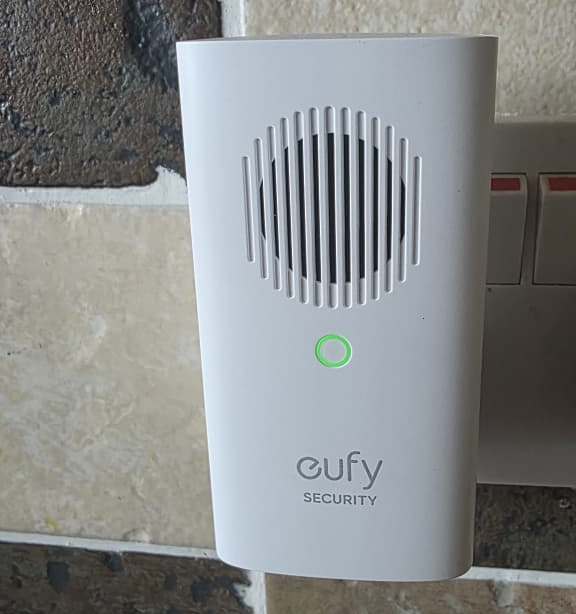
Pairing it with the bundled MiniBase Chime (T8023) ensures you hear alerts indoors without relying solely on your phone. For smart home users, it integrates smoothly with Amazon Alexa and Google Assistant, as well as eufy’s HomeBase S380 (HomeBase 3) if you want to expand storage up to 16TB or add BionicMind AI facial recognition.
Features Summary, Limitations, and Quick Installation Guide

Features Summary:
- Power flexibility: The 6500mAh battery is quick-release, so you can swap it for a charged one instead of unmounting the doorbell. If you have doorbell wiring, you can hardwire it and unlock pre-roll and 24/7 recording, which battery mode does not offer.
- 4:3 framing: The squarer view is meant to show the whole door area, including parcels on the step, rather than a narrow widescreen strip.
- No monthly fees: Recording is stored locally with HomeBase 3 rather than behind a subscription, which is the main draw against cloud-first rivals.
- Video calls and replies: This unit supports live video calls, quick replies, and visitor voice messages.
Limitations:
- Chime Bypass for 24/7 Mode: To unlock 24/7 continuous recording and pre-roll, you must bypass your home’s existing mechanical chime, making the bundled MiniBase Chime essential for indoor alerts.
- Solo vs. HomeBase Video Call: The instant pop-up video call feature is built for solo use; pairing the doorbell with a HomeBase 3 changes how call notifications work, depending on available firmware updates.
- Visible Ecosystem Limitations: While the lack of Apple HomeKit support is more pronounced, users on older systems can’t use/integrate the C31 model into their existing installation. The table below gives a quick overview of what’s supported and what’s not:
| Device or platform | Compatibility |
|---|---|
| eufy HomeBase 2 (S280) | Supported |
| eufy HomeBase 3 (S380) | Supported |
| eufy MiniBase Chime (T8023) | Supported |
| Existing traditional doorbell chime | Supported |
| Amazon Alexa | Supported |
| Google Assistant | Supported |
| Original eufy Wi-Fi Chime (T8020) | Not supported |
| eufy Chime T8740/T8742 | Not supported |
| Apple HomeKit | Not supported |
Quick Installation Guide:
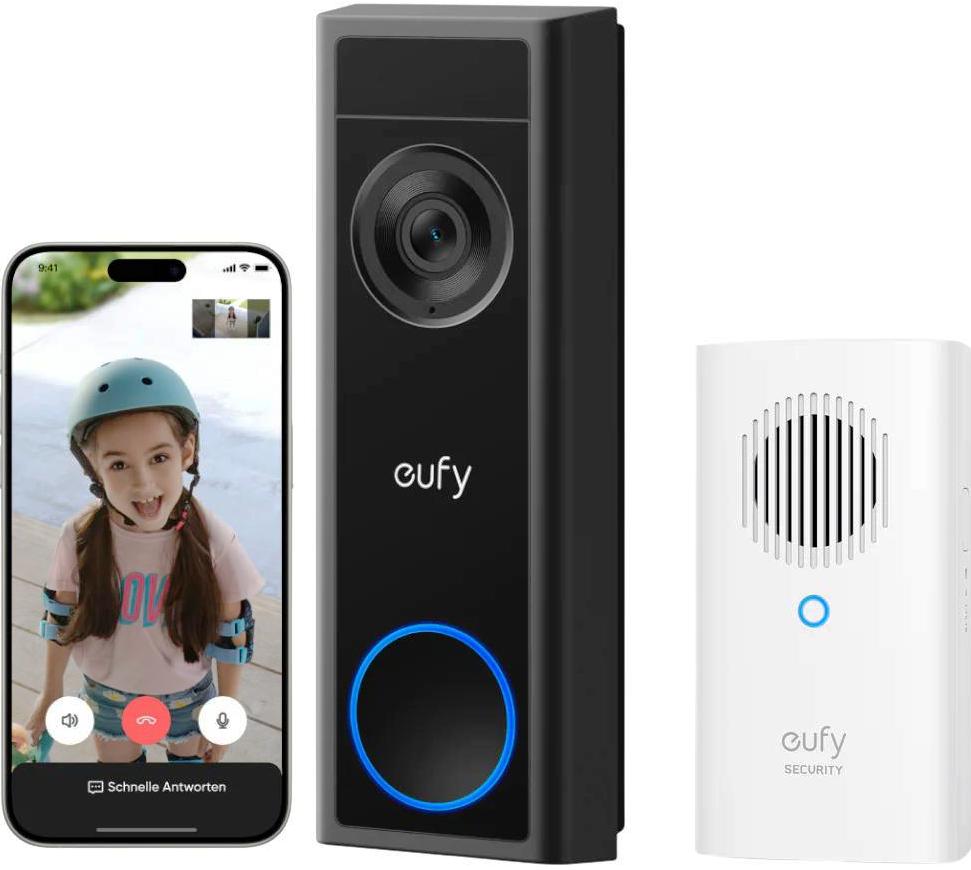
Installing the C31 is superfast. I completed it in a few minutes. Just follow these steps for yours:
- Step 1: Charge the battery: Before installation, remove the rechargeable battery pack and charge it using the supplied USB-C cable.
- Step 2: Install the eufy Security app: Download the eufy Security app, create an account or sign in, and follow the instructions to add a new device.
- Step 3: Pair the doorbell: Scan the QR code on the rear of the doorbell and follow the in-app setup instructions.
- Step 4: Choose an installation position: Eufy recommends mounting the doorbell approximately 1.2 meters above ground level. This helps provide a useful viewing perspective for monitoring visitors. The included 15-degree mounting wedge can also help adjust the viewing angle when necessary.
- Step 5: Secure the mounting bracket: Use the supplied positioning card to mark the screw holes, drill where necessary, and secure the mounting bracket.
- Step 6: Attach the doorbell: Align the doorbell with the bracket and press it into position until it clicks.
- Step 7: Configure the indoor chime: Open the eufy Security app, navigate to Doorbell Settings, select Indoor Chime, and configure the MiniBase Chime.
For hardwired installation, switch off the electrical supply at the circuit breaker before working with existing doorbell wiring. The user manual recommends checking the live camera view before finalizing the mounting position to avoid obstructions and infrared reflections from nearby walls.
My eufy C31 Video Doorbell with Chime Review and Verdict
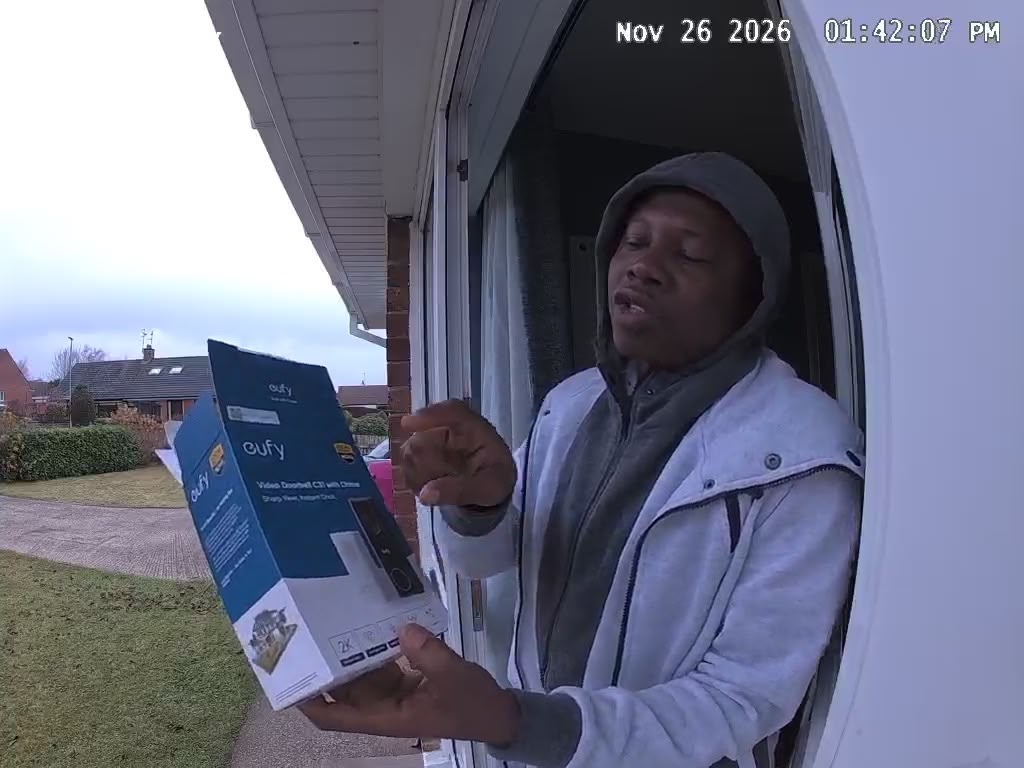
If I were a first-time user of a doorbell security surveillance system, I’d conclude that the eufy C31 video doorbell is the best out there, but compared with my older Seeing Visual doorbell, the latter fared better. The image and video clarity from the Seeing Visual doorbell trumps that of the eufy C31. In fact, the C31’s poor night-time vision performance leaves so much on the table.
I had to reinstall the old Seeing Video Doorbell and moved the C31 to a less important location because of its poor video output in the dark. Also, the motion video from the C31 has noticeable lag compared to the Seeing Video Doorbell. We had to renew the Seeing subscription we were initially avoiding because the trade-offs were too noticeable to ignore.
Aside from these minor concerns, the eufy C31 Video Doorbell with Chime delivered well, and it’s worth the price. The feature set is modern and in sync with what’s obtainable in today’s home security and video surveillance systems. I’ll proudly recommend it to renters and homeowners who dislike recurring subscriptions and are happy to add a HomeBase 3, or who already have doorbell wiring and a transformer.
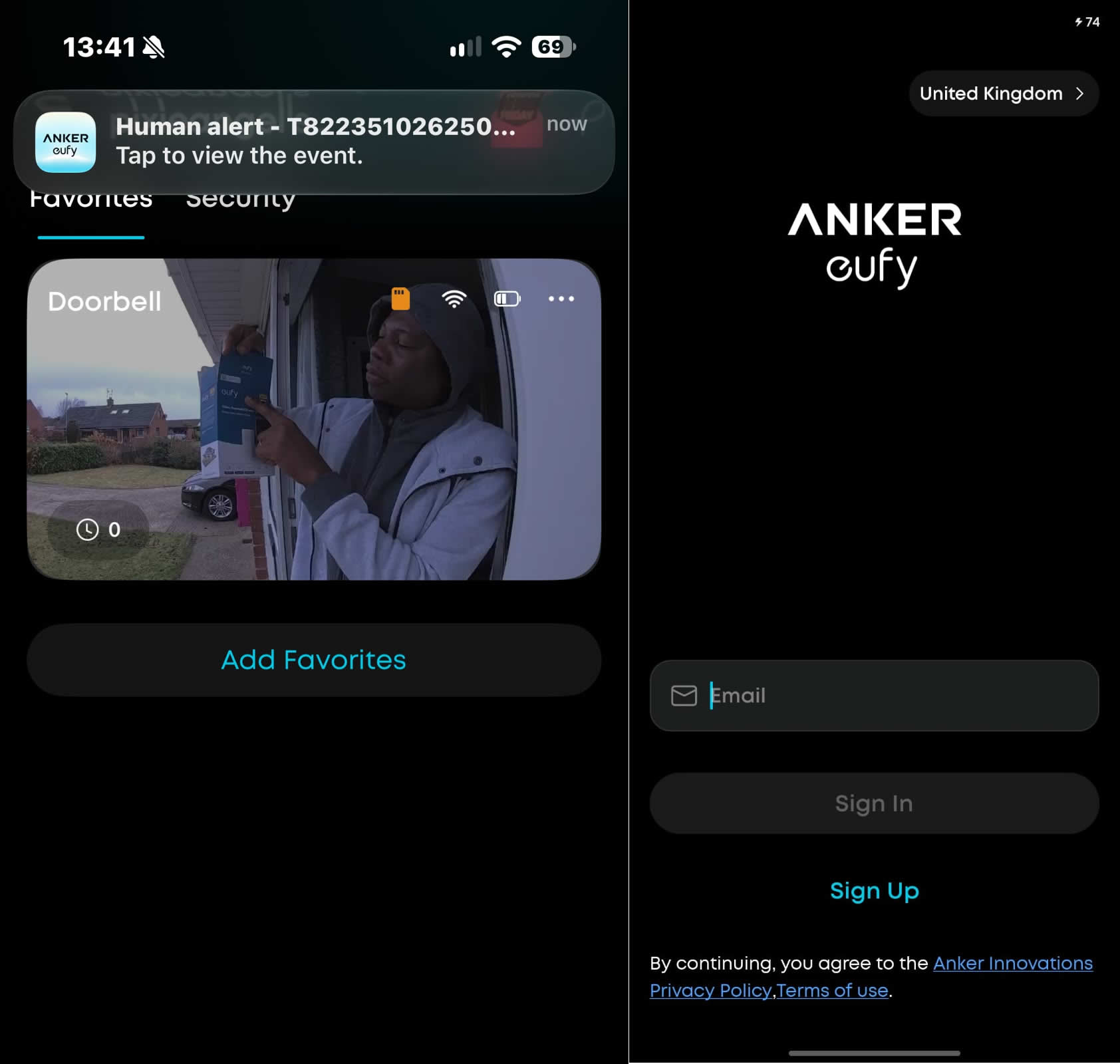
The Anker eufy security app installation and performance were completely flawless. I tested it on both Android (Galaxy S25 Ultra) and iPhone. The absence of any hidden recurring costs is its biggest selling point, and so far, it delivers 100% on that.