
With this new wave of AI where everyone can do literally “everything,” you might as well want to build that app or website you’ve always imagined, and yeah, that’s possible even when you’re not a “pro,” thanks to “Vibe Coding.” In its simplest terms, vibe coding means using AI prompts to bring a website or app to life. Now, how efficient and secure your vibe-coded app or website would be depends on how well you can handle AI prompting. But you must know that while vibe coding seems fun and easy, trust me, without the right tools and the know-how to leverage them, it can be so frustrating.
The Top 12 Vibe Coding Tools for You
Here are the top 12 vibe coding tools making waves in 2026. Truth is, there are just many tools right now for vibe coders, and while all of them do the needed work, some are much better at analyzing prompts, auto-completion, and offer more perks. So, we’d be looking at the best 12 of such tools.
1. GitHub (visit)
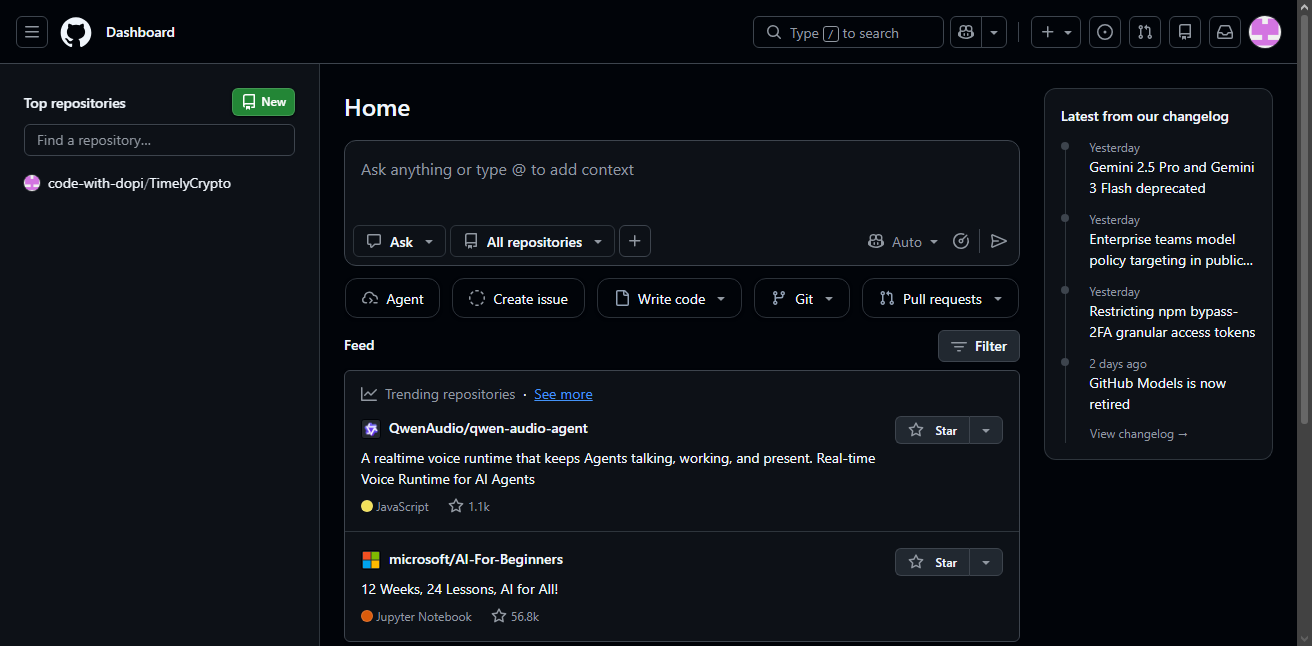
GitHub is really where you start if you’re going to be a vibecoder. As a vibecoder, you need somewhere to store your code; a repository for all your source files, and that’s what GitHub provides. So, GitHub isn’t just for professional programmers right now; it is now also a tool for the vibecoder in 2026 and beyond.
Setting up a GitHub account is free and pretty much simple. Plus, the platform offers a “Copilot” feature, built specifically for vibecoders, to simplify the entire process of building apps and websites from AI prompts. GitHub Copilot is, however, a freemium utility, but GitHub itself is a free platform for anyone to host their source files.
PROs:
- Free plan includes unlimited public and private repositories with unlimited collaborators.
- Full version history means you can roll back the moment an AI agent breaks something that used to work.
- Nearly every major vibe coding tool (Lovable, Bolt, Cursor, Replit, Emergent, v0) offers native GitHub sync or one-click export.
- Comes bundled with GitHub Copilot and 2,000 free Actions minutes a month for basic CI/CD automation.
- Genuine code ownership: if you ever cancel a paid app-builder subscription, your repo and its full history stay yours.
CONs:
- Git itself (commits, branches, merge conflicts) can be hard to learn and understand and requires you to have actual coding/programming knowledge.
- GitHub only stores and versions your code; it doesn’t host a live app.
- The free tier’s 2,000 CI/CD minutes and 500MB package storage run out fast once a project has automated tests or larger dependencies.
2. Lovable (visit)
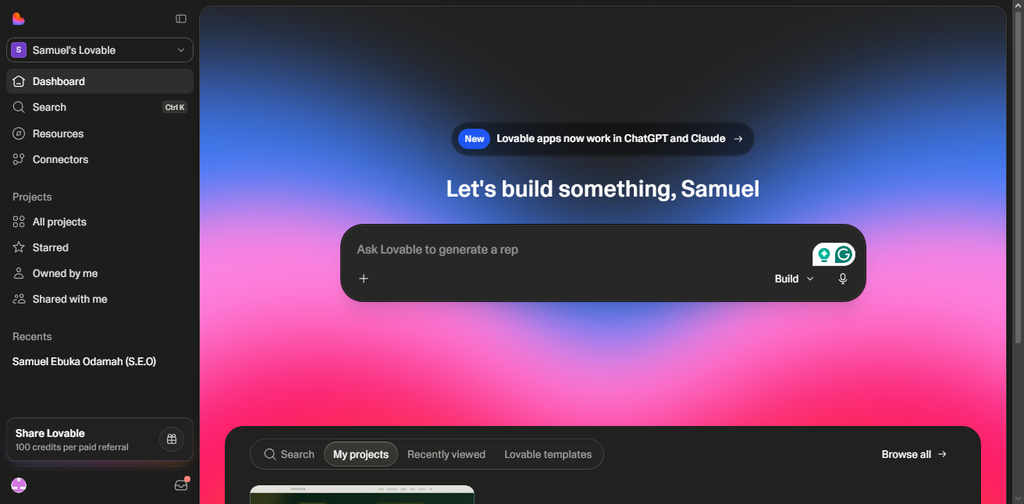
Lovable is really one of the go-to vibe coding platforms used by a vast majority of vibecoders. It is a full-stack app builder that turns a plain-English description into a working React front end, a Supabase-backed database, authentication, and deployment, all from the chat interface. Lovable focuses on speed and visual polishing, which is exactly why it shines at building landing pages, prototypes, and simple internal tools; it struggles with genuinely complex, multi-user SaaS products.
Most importantly, Lovable has a clean interface and can integrate directly with Claude AI and ChatGPT. Like the others you’d find on this list, Lovable’s pricing runs on a credit system that charges differently depending on task complexity; a small style tweak costs half a credit, while a full-page build can take two credits. The Pro plan is $25/month for 100 monthly credits plus five daily top-ups, and Business jumps to $50/month for SSO and team features.
PROs:
- It is fast in analyzing prompts and turning them into a working, deployed full-stack app.
- Clean, editable React output synced to GitHub.
- Free tier is enough to properly test the tool before paying.
- Built-in Supabase integration handles the backend automatically.
CONs:
- The credit system gets expensive when you’re building a complex app.
- It struggles to build complex, multi-user SaaS apps.
- Lovable Pro + Supabase Pro costs up to $65–75/month, rather than the advertised $25
3. Cursor (visit)
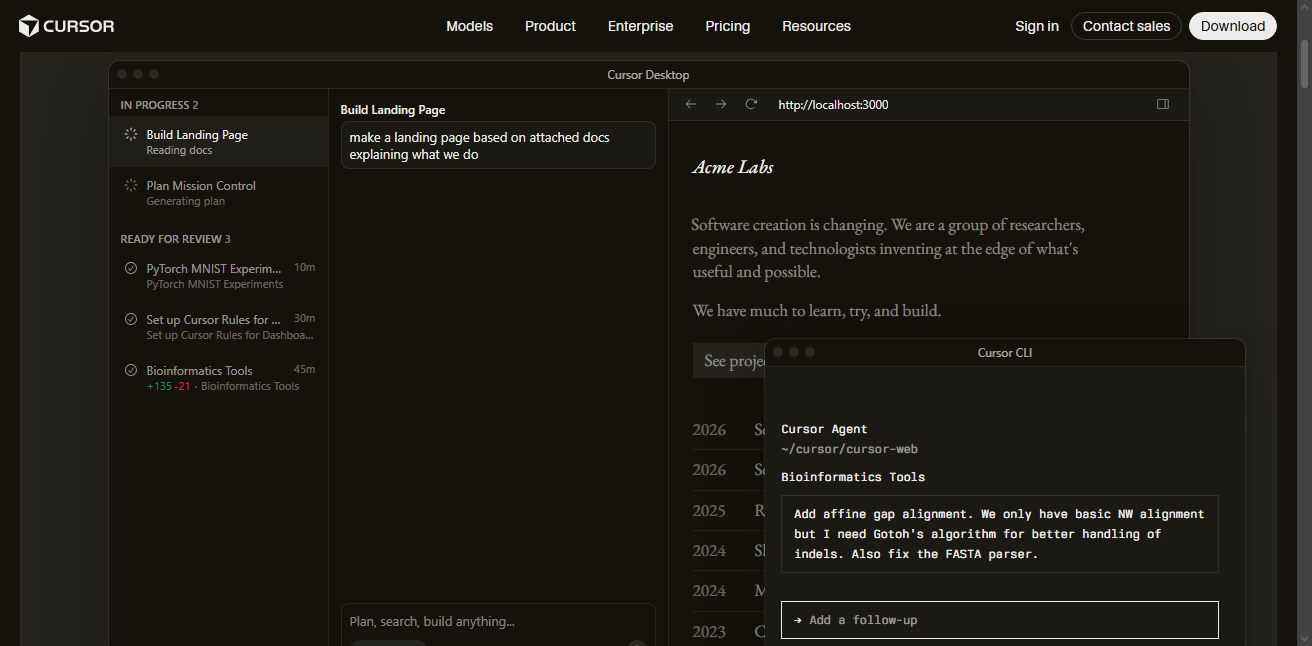
Cursor gives you the real programming vibes; it makes you feel like a real developer leveraging AI, rather than just a noob using AI to try app development, even though the latter may be what you’re doing, actually. Built as a fork of VS Code, Cursor keeps the familiar interface and extension ecosystem as VS Code, then integrates AI autocomplete, a codebase-aware chat, and an autonomous Agent mode into nearly every part of the workflow.
Under the hood, Cursor doesn’t run its own model; it routes your requests to frontier models from Anthropic, OpenAI, and Google, and you can switch between them depending on the task. The main problem with Cursor is that if you try to run the pro version of its supported AI agents like Claude or GPT, your purchased credits drain much faster. Cursor Pro costs $20/month, Pro+ is $60/month, and Ultra goes as high as $200/month for power users.
PROs:
- Familiar VS Code interface and full extension compatibility
- Multi-model access (Claude, GPT, Gemini, DeepSeek) in one editor
- Deep codebase-aware chat and multi-file Agent mode
- The Auto mode picks a cheaper model to run your code each time, which gives you almost genuinely unlimited use on paid plans.
CONs:
- Honestly, the Pro plan’s premium-model credits run out faster than most people expect.
- Steeper price than GitHub Copilot for a comparable entry tier.
- Not a tool for people who want zero code visibility; it’s still an editor first.
4. Claude Code (visit)
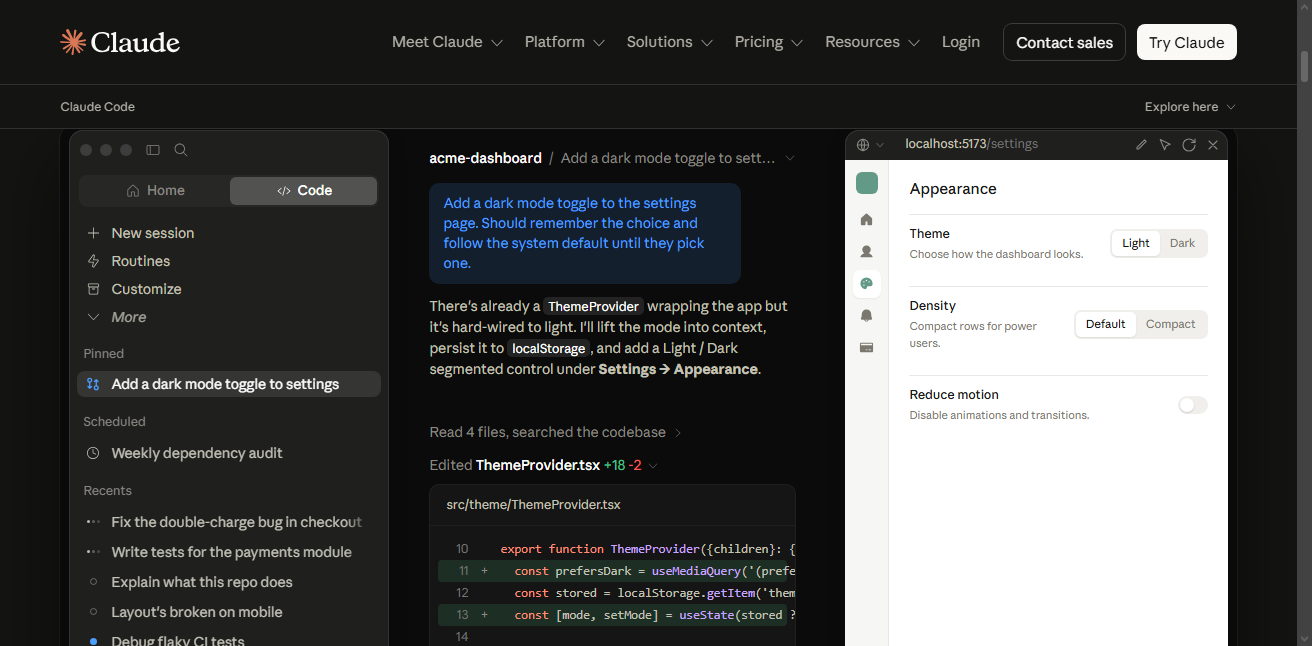
Claude Code is Anthropic’s terminal-based coding agent, and it’s become the default pick for developers who want an AI that can plan, edit across multiple files, run tests, and fix its own mistakes without living inside a separate IDE. It isn’t sold as a standalone product; it runs on top of a Claude Pro, Max, Team, or API account and shares that plan’s usage budget, which keeps the pricing simple compared to some of its rivals.
With Claude Code, professional developers can manage entire codebases using prompts; it can reorganize files and patterns. Claude Pro costs $20/month (or $17/month when billed annually) and bundles Claude Code with the full Claude app and Cowork. For heavy users, there’s Claude Max at $100. But if you’d rather pay per token instead of a flat plan, Claude Code also accepts a straight API key.
PROs:
- Strong at autonomous, multi-step, multi-file changes on real codebases
- Runs in the terminal, so it fits naturally into existing developer workflows
- Shared usage across Claude Code, chat, and Cowork on one subscription
- 5-hour usage windows were doubled in 2026, giving more headroom before hitting limits
CONs:
- It is a terminal-first tool, and so would be complex to understand for a noob vibe coder with zero terminal experience.
- API-key billing can produce surprise bills if usage isn’t monitored.
- Best suited to developers extending existing code and less so for someone starting from zero.
5. OpenAI Codex (visit)
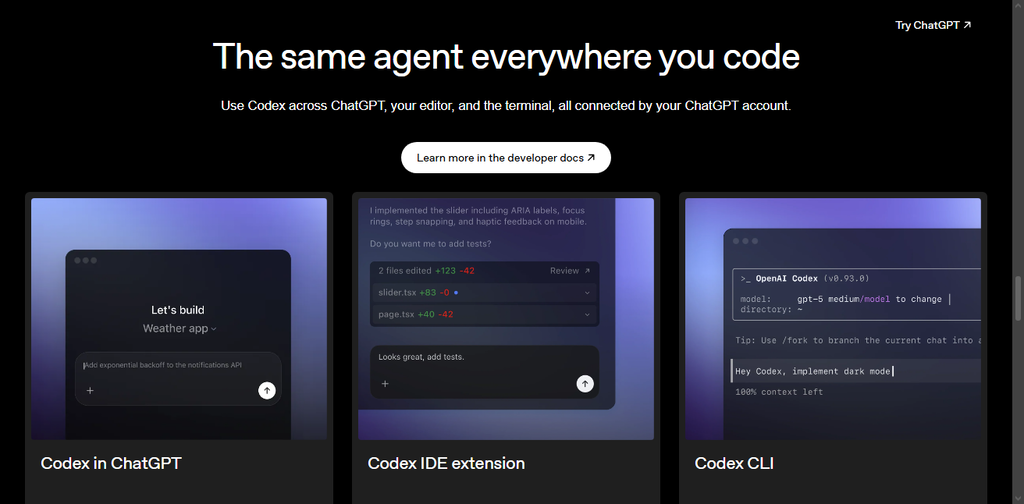
Codex by OpenAI is a prolific vibe coding tool that operates through a CLI, featuring a VS Code extension, a cloud environment, and the ChatGPT app itself. It is practically OpenAI’s direct answer to Claude Code and Cursor, and it ships as part of your existing ChatGPT subscription rather than as a separate bill, making it an easy tool to try if you’re already paying for ChatGPT.
Codex is bundled into every ChatGPT tier from Free through Enterprise, with Plus at $20/month unlocking the CLI, IDE extension, and iOS app. If you’re already a pro developer, Codex can help with code snippets, automated workflows, and accelerating development tasks across multiple languages. There are many ways to use Codex, even inside ChatGPT.
PROs:
- Bundled directly into ChatGPT plans you may already be paying for.
- Works across CLI, IDE, cloud, and the ChatGPT app itself.
- Cloud task delegation lets you hand off longer jobs without dealing with the terminal.
- Open dual authentication (ChatGPT login or your own API key)
CONs:
- The API-key access excludes some cloud features like GitHub review and Slack integration
- Newer models tend to reach API users later than ChatGPT subscribers
- No native GUI editor of its own; you’re leaning on VS Code or the terminal
6. Antigravity by Google (visit)
Just like Claude Code and OpenAI’s Codex, Google also offers Antigravity for the same purpose. Google’s Antigravity is a VS Code fork with a “Manager View” that lets you run up to five parallel AI agents on different parts of a codebase at once, each producing “Trust Artifacts,” task lists, screenshots, and implementation plans, so you can review the agent’s work before merging it in.
This one also ships a built-in Chromium browser so agents can visually test their own front-end changes. Antigravity launched as a completely free public preview, but Google restructured the pricing at I/O 2026 into a Pro tier at $20/month, an Ultra tier at $100/month (roughly 5x the Pro quota), and Ultra Max at $200/month (cut down from an earlier $249.99).
PROs:
- Allows you to run up to 5 parallel agents to speed up multi-part tasks.
- Features a built-in Chromium browser for the AI agents to self-verify UI changes visually.
- Ships with Gemini 3 Pro
- There is a free tier available with generous features
CONs:
- No JetBrains support at all; works as a VS Code fork only
- Claude models cost extra and route through your own API key
- Used by some vibecoders as a complementary tool, not a replacement for their choice options.
7. Bolt.new (visit)
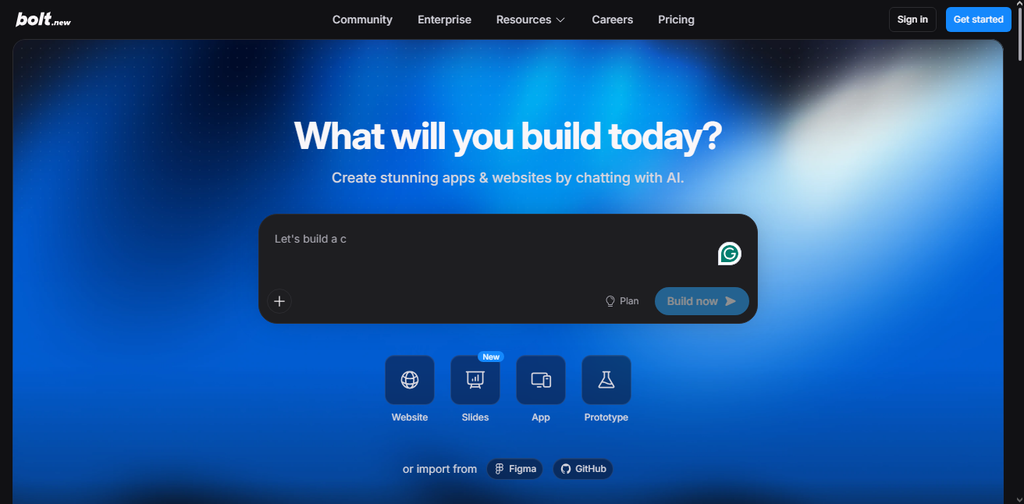
Actually, this one’s one of the best vibecoding tools for fast launches. Like, if you’re looking to launch an app immediately, Bolt.new is your best guy. Built by StackBlitz, Bolt.new is widely credited as one of the fastest tools on vibecoding tools out there. It runs entirely in the browser using StackBlitz’s WebContainers technology, meaning your app is generated and running live in the preview pane without any separate deployment step.
A basic dashboard with authentication typically renders in under a minute, and even a fairly complex ten-page app tends to generate in a few minutes on Bolt.new. It focuses on speed and simplicity, which makes it ideal for modern marketers and product teams. It is more like the platform you use to test-build a product before taking the deeper dive into the app’s development. The Free plan gives you roughly 1 million tokens a month, while the Pro runs $20–25/month for around 10 million tokens with rollover.
PROs:
- Import front-end wireframes from Figma
- Genuinely the fastest live preview of any tool on this list
- Delivers full-stack development (frontend, backend, database) from a single prompt
- One-click deploy to Netlify, Vercel, or StackBlitz
- Token rollover on paid plans
CONs:
- Code organisation can get messy on larger, more complex apps
- No fixed per-message cost, so heavy prompting adds up quickly
- Best recommended for prototyping and MVPs; production apps usually need a refactor pass
8. Replit Agent 3 (visit)
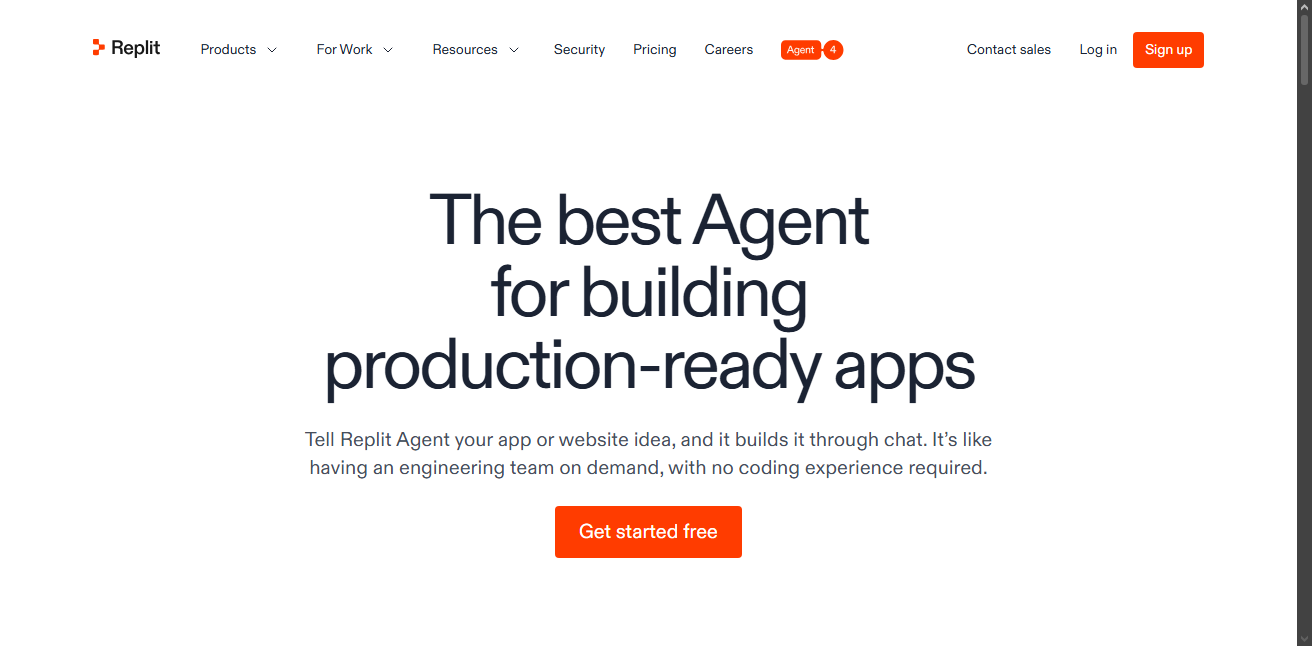
Replit pivoted from a browser-based coding classroom into an AI-first app-building platform, and Agent 3 is the company’s finest engine powering that shift. Launched in September 2025, Agent 3 can now run autonomously for up to 200 minutes (ten times longer than its predecessor), write and run its own tests, and fix issues it catches along the way, all without leaving your browser.
Replit uses what it calls “effort-based pricing” for Agent 3 usage, where cost scales with task complexity rather than a flat per-action fee. Core costs $20–25/month with no credit rollover, while Pro is $100/month and does roll over unused credits for a month. One of the main reasons vibecoders choose Replit is because it is browser-based and doesn’t require you to download any desktop client.
PROs:
- Fully cloud-based; no local environment setup required
- Agent 3 can write, run, and fix its own tests autonomously
- Up to 200-minute autonomous runtime
- Offers a mobile app version for on-the-go follow-ups
CONs:
- Effort-based pricing makes cost per session unpredictable
- Core plan credits don’t roll over month to month
- Best suited to fast prototyping
9. Emergent (visit)
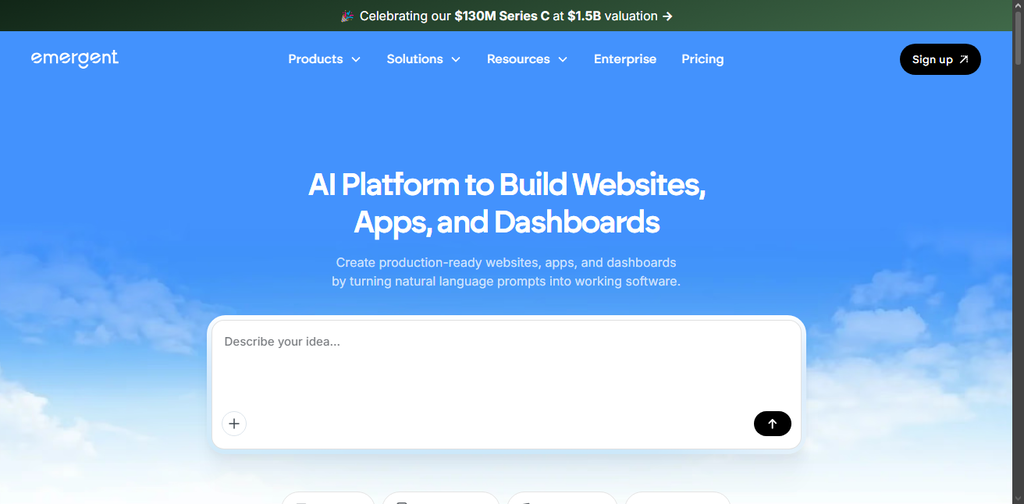
Emergent takes a different approach from most tools on this list: instead of one AI model doing everything, it runs a small team of specialised agents: an architect, a designer, a developer, and a project-manager agent that collaborate to plan, build, test, and ship a full-stack app. It’s backed by Y Combinator and built by a team with backgrounds at Google, Amazon, and Dropbox.
This tool is aimed squarely at non-technical founders who want real, ownable code rather than a locked-in prototype. With Emergent, you get 10 free credits a month, which is only enough for basic testing since a simple app typically needs 50 to 100+ credits to build properly. The Standard plan goes for around $20/month for 100 credits, while Pro jumps to $200/month for 750 credits, plus other perks. Sadly, unused credits expire at the end of each billing cycle rather than rolling over.
PROs:
- The multi-agent workflow genuinely produces real, exportable code (React/Next.js, Node.js/FastAPI)
- Integrates authentication, databases, and Stripe payments automatically
- Syncs directly to GitHub
- No credit card needed to test the free tier
CONs:
- Credits expire monthly and cannot be stockpiled
- Authentication alone can cost 25–40 credits, and a Stripe integration 35–60
- The free tier’s 10 credits per month is very poor
10. v0 by Vercel (visit)
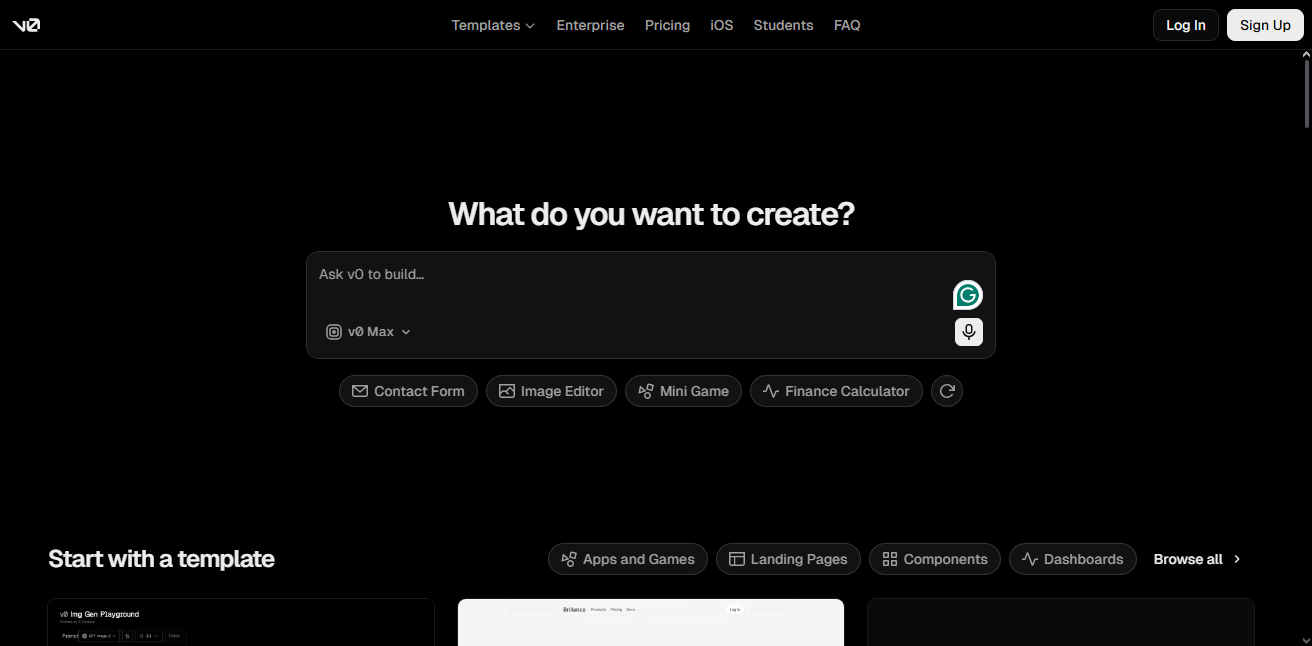
Even before AI-based vibecoding became a thing, Vercel was always providing marketers and sales teams with a simplified path to building landing pages and conversion-focused web pages. v0 is an upgrade to that approach, which has grown into a genuine development environment with Git integration, database connectivity, and a full Next.js sandbox.
v0 produces the cleanest, most polished React and Tailwind UI of any tool on this list, generating shadcn/ui components from a plain description in a matter of seconds. If your priority is frontend quality over full-stack completeness, this is the strongest option here. Also, since v0 is a Vercel product, deployment is essentially one click, and your app inherits Vercel’s SSL, CDN, and serverless functions automatically.
The Free plan includes $5 in monthly credits, which resets each cycle and is enough to explore the tool without paying. Premium costs $20/month with $20 in matching credits and unlocks Figma import and API access, Team runs $30/user/month, and there’s now a Business tier at $100/user/month for larger workspaces.
PROs:
- Best-in-class front-end UI generation quality
- One-click deployment straight to Vercel’s infrastructure
- Full code export to GitHub or a local environment, no lock-in on the code itself
- Genuine full-stack sandbox with database integrations
CONs:
- Still trails in full-stack capability like Lovable or Bolt
- Deep integration with Vercel’s ecosystem can feel limiting outside it
- Free tier’s $5 credit is consumed quickly on anything beyond simple components
- Best suited to developers who already know React
11. Render (visit)
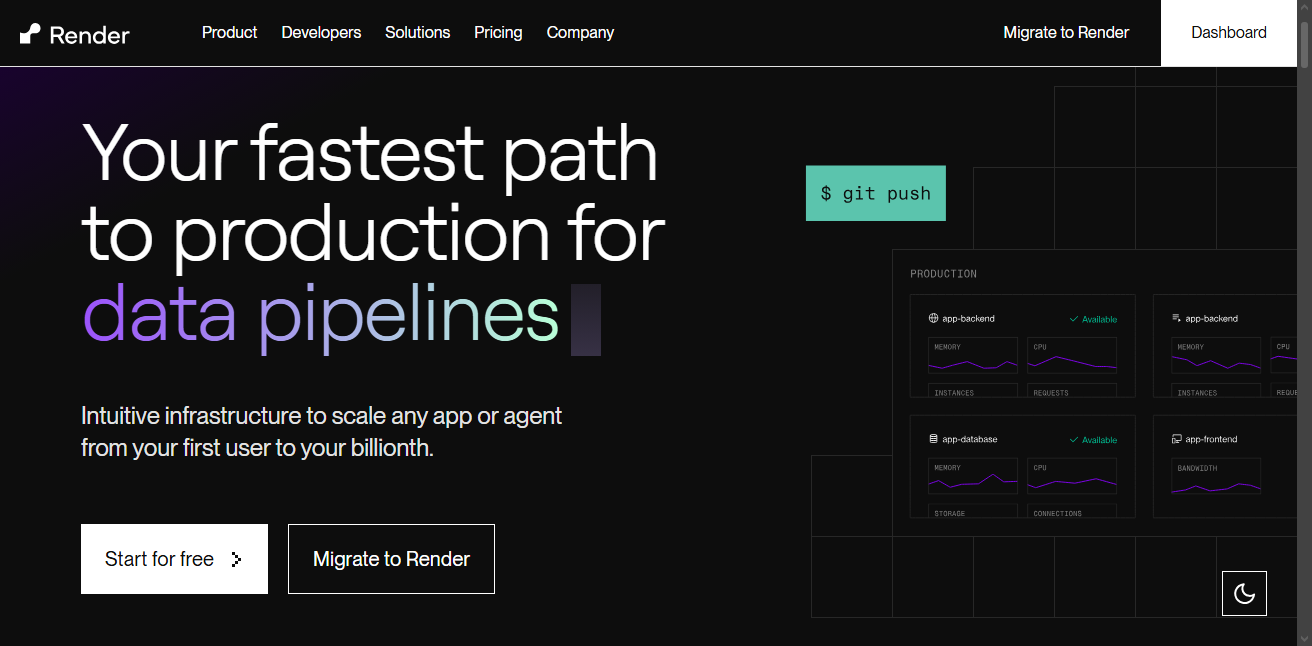
We’ve all been talking about tools for vibe coding; how about where to host the vibe-coded app(s)? You see, after prompting your apps or websites and all that, you’ll need a hosting service provider to take your apps live on the internet with custom domain integration and further work. This is where platforms like Render come in; Render is a budget-friendly cloud hosting service provider for vibe coders.
Render will pick up your code and backend data from GitHub and other repositories and run it on a cloud server to take your app or website live. For apps built in Bolt, Lovable, or Cursor that need a real backend rather than just a static front end, Render is often the natural next step after Vercel or Netlify handles the UI. With Render, static sites stay free permanently, but a real backend service starts at $7/month on the Starter tier, and most production workloads end up needing the $25/month Standard tier once traffic picks up.
PROs:
- Deploys straight from a GitHub repo with automatic builds on every push.
- Handles web services, background workers, cron jobs, and managed Postgres from one dashboard
- Static sites are free indefinitely, with no time limit
- One of the best hosting services for vibe coded solutions.
CONs:
- Free web services spin down after 15 minutes idle, unusable for anything meant to stay live
- Free Postgres database is hard-deleted after 30 days with no warning
- Costs climb quickly once you add a database, a worker, and a staging environment
12. Railway (visit)
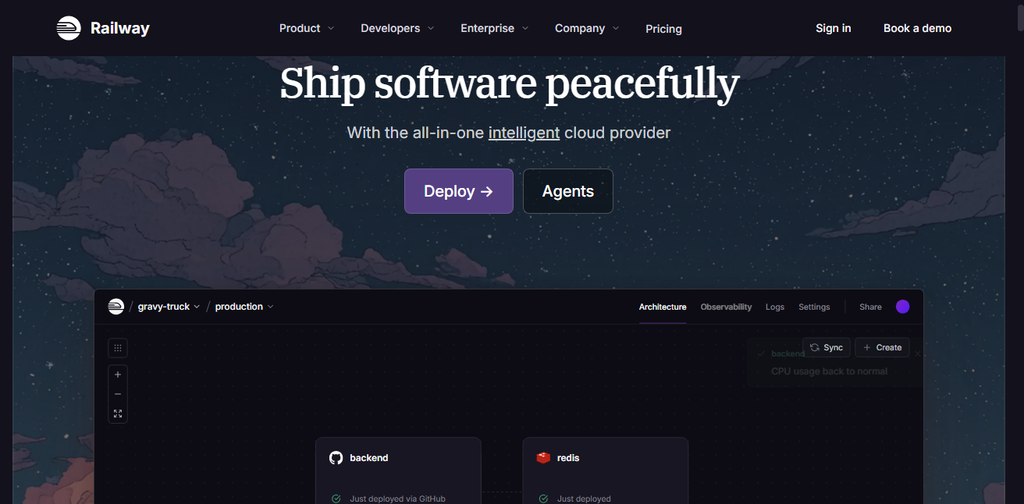
Railway is Render’s closest rival, and it’s worth considering right alongside it. While Render leans on fixed plan tiers, Railway bills per second based on actual CPU, memory, and bandwidth usage, which tends to work out cheaper for smaller or unpredictable vibe-coded projects that don’t need to run at full capacity around the clock. It connects to a GitHub repo the same way Render does, auto-detects your stack, and ships built-in managed Postgres, MySQL, MongoDB, and Redis without needing to configure a separate database host.
Pricing starts at $5/month for the Hobby plan, which includes $5 of usage credit that comfortably covers a lightweight app running 24/7. Pro costs $20/month with a matching $20 credit and adds a hard spend-limit feature, letting you cap your bill so a traffic spike or a memory leak can’t blow past what you’re willing to pay. A typical full-stack app with a Postgres database lands around $8–15/month, while a heavier setup with Redis and background workers can run $25–60/month.
PROs:
- Per-second usage billing means you’re not paying for idle capacity the way you might on a fixed Render tier
- Built-in managed databases (Postgres, MySQL, MongoDB, Redis) with one-click setup
- Spend-limit caps on the Pro plan protect against surprise bills from traffic spikes
- Fast, low-friction deployment from a connected GitHub repo
- Free automatic HTTPS/SSL and a railway.app subdomain on every service
CONs:
- No permanent free tier anymore; instead, you get a 30-day trial
- Usage-based billing is harder to predict than Render’s flat plan tiers
- A database-heavy app can exceed the Hobby plan’s $5 credit faster than expected
Conclusion
These are the best vibe coding tools for vibe coders in 2026; this list contains the best tools from repositories to agentic solutions and also cloud server options to host your vibe coded apps. For a separate backend build, Supabase is an ideal choice; although tools like Lovable, Bolt, or v0 automatically connect to Supabase if you ask them to “add a database” to your vibe-coded app while prompting. Did we miss your best tool? Comment them below.